


How to disable your security questions at “Personal Info – Yahoo Account Settings”
Posted by jpluimers on 2016/09/23
 Steps to disable the security questions in Yahoo:
- Logon at https://login.yahoo.com
- At the top right, click on your name, hover over your name and click “Account Info” to get to Personal Info – Yahoo Account Settings – https://login.yahoo.com/account/personalinfo
- On the left menu, click on “Account Security”.
- Click “Disable security questions”.

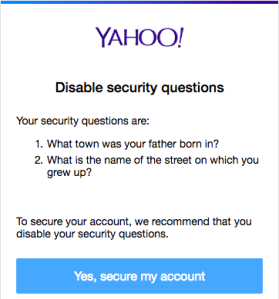
Disable security questions – yahoo thinks they’re a bad idea anyway
- In the dialog, click “Yes, secure my account”
- In the next dialog, click “Close”
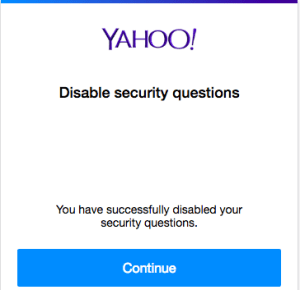
- Then verify your other security options (like phone/email recovery and two-factor logon) to enhance your security even more.


–jeroen

 The Wiert Corner - irregular stream of stuff
Leave a comment