


Converting an inline svg image to file
Posted by jpluimers on 2023/06/28
Via [Wayback/Archive.is] inline svg to file – Google Search, found first [Wayback/Archive] Convert Inline SVG to File – Eyedeal Graphics
- Use your browser’s “View Source” or “Page Source” command to view the page’s HTML code.
- Locate and copy all the code between the beginning <svg> and closing </svg> tags.
- Paste the copied code, including the <svg> and </svg> tags into your text editor of choice. (Atom, Brackets, Visual Studio Code, Sublime Text, etc.)
- Save the text file as an SVG file. (ex. legacy-xyz-products-logo.svg)
- Open the SVG file in your preferred vector editing tool. (Adobe, Illustrator, Affinity Designer, Sketch, Inkscape, etc.)
That wasn’t enough, as not all SVG files then render properly, so luckily the next hit was [Wayback/Archive] html – Convert an inline SVG into a SVG file – Stack Overflow (thanks [Wayback/Archive] Paul LeBeau):
It’s an XML file, so at a minimim you need to tell the browser it is an SVG file. You do that by adding anxmlnsattribute to the root<svg>element.<svg xmlns="http://www.w3.org/2000/svg" ....If you are doing an icon that hasxlink:hrefattributes, you should also add thexlinknamespace.<svg xmlns="http://www.w3.org/2000/svg" xmlns:xlink="http://www.w3.org/1999/xlink" ....That should be enough for browsers. But if you want to be pedantic, or are going to have the file processed by programs other than a browser, you may need to add the full XML preamble:<?xml version="1.0" standalone="no"?> <!DOCTYPE svg PUBLIC "-//W3C//DTD SVG 1.1//EN" "http://www.w3.org/Graphics/SVG/1.1/DTD/svg11.dtd"> <svg xmlns="http://www.w3.org/2000/svg" ....
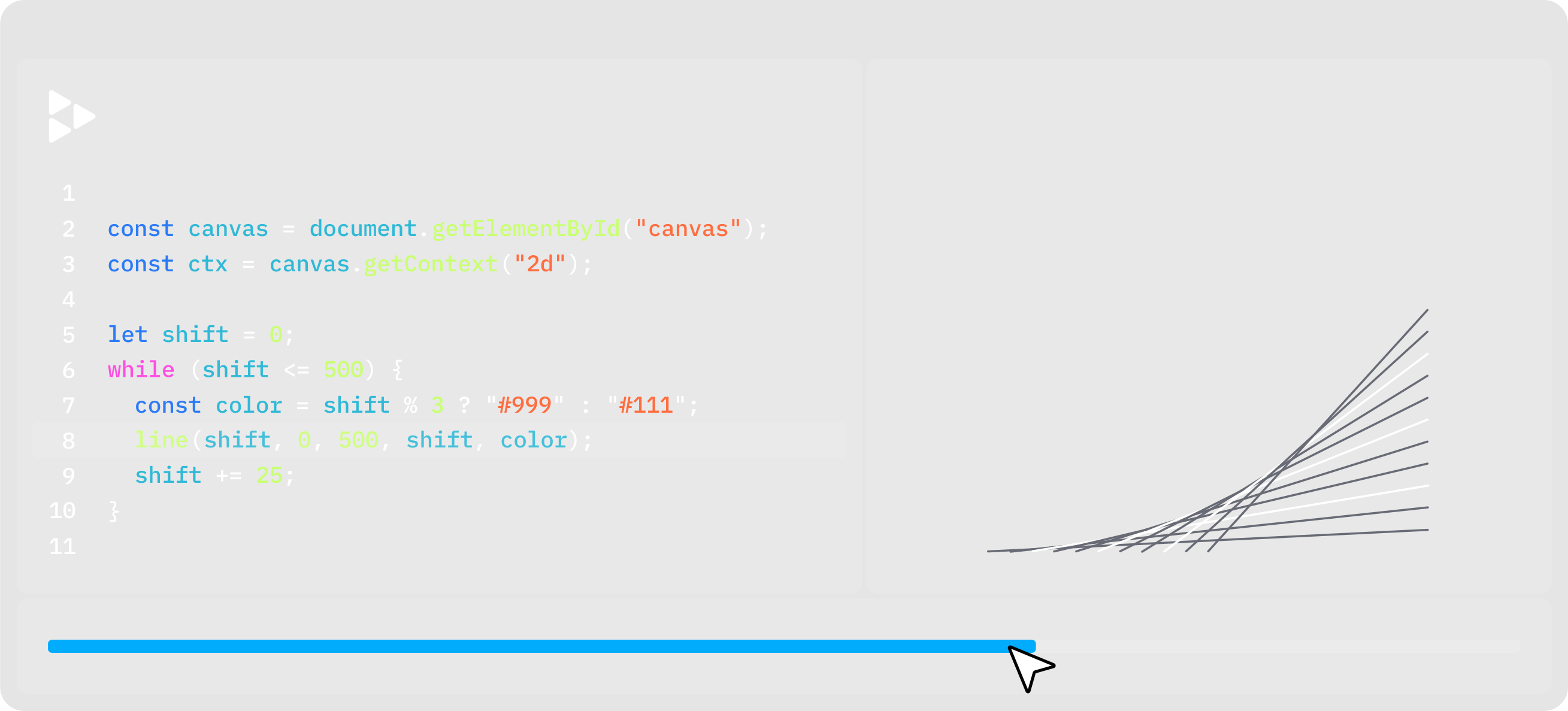
This was getting close, as I bumped into an issue while saving the replay.io still for Source: Need to check out replay.io: The Time Travel Debugger for Web Development.
The initial save at gist.github.com/jpluimers/c59ec9f7886f9c4ccb50650e2db3837c/195c618edeab5fed503105a669daafa63f610109 would not render, which became clear when viewing the RAW file at gist.githubusercontent.com/jpluimers/c59ec9f7886f9c4ccb50650e2db3837c/raw/195c618edeab5fed503105a669daafa63f610109/demo.svg:
This page contains the following errors:
error on line 1 at column 91756: Unescaped ‘<‘ not allowed in attributes valuesBelow is a rendering of the page up to the first error.
So I fixed it (see below the signature) by escaping the "<=" attribute value into "<=" as I documented more than 10 years ago in my blog post XML and HTML escapes.
--jeroen
Loading

 The Wiert Corner - irregular stream of stuff

Leave a comment