


Windows Server 2008 and Server 2008 R2 – OpenDNS
Posted by jpluimers on 2018/12/10
I did this a long time ago, but forgot to blog about it back then: [Archive.is] Windows Server 2008 and Server 2008 R2 – OpenDNS.
Summary:
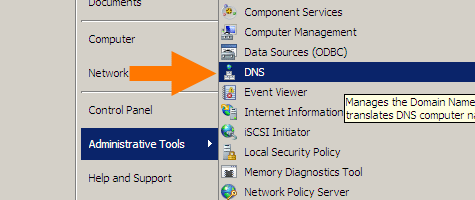
Start with the DNS manager:
%SystemRoot%\system32\dnsmgmt.msc /s
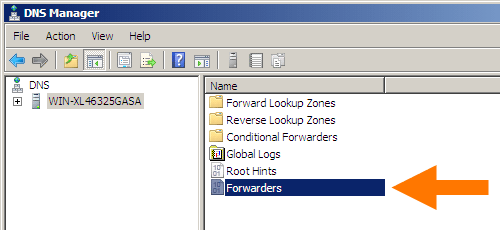
Then open your machine, and double-click
Forwarders:
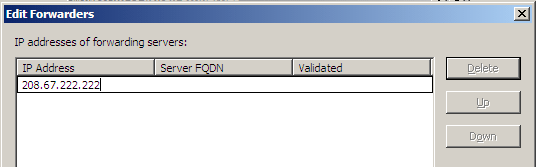
In the dialog, click the
Editbutton and add DNS servers (for instance Google DNS 8.8.8.8 and 8.8.4.4).
In my case it became this:
Google DNS servers added
Click
Donebuttons until all dialogs are closed.

–jeroen

 The Wiert Corner - irregular stream of stuff
Leave a comment