


Is there a button in iTunes to say “Stop after playing this song”? – Ask Different
Posted by jpluimers on 2020/06/26
Put the song in a playlist and click the check box off. All the songs in the playlist will have to be clicked off as well.Or easier still have the track as the only song in the play list.
For me, the easiest way to do this is to put all songs in a playlist, then in the playlist (can be “Playlist” view mode, but “Songs” view mode is easier). The video below shows exactly how to do this, but here are te steps:
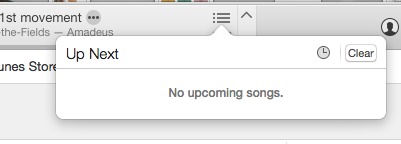 select all songs with Command-A
- right-click
- choose “Uncheck Selection” to remove all checkboxes
- double click on each song you want to play individually
Via:
- [WayBack] Is there a button in iTunes to say “Stop after playing this song”? – Ask Different
- [WayBack] itunes 12 stop after each song? – Apple Community
Finally, [WayBack] iTunes 11 for Mac: Ways to play songs shows the meaning of the shuffle and repeat buttons in the player:
Source: S0024_ProgressBar.png (350×115)

–jeroen

 The Wiert Corner - irregular stream of stuff
Leave a comment