


If you use web-logon for your app, show the web-browser pop-up including the URL (via @wesbos on Twitter)
Posted by jpluimers on 2024/11/05
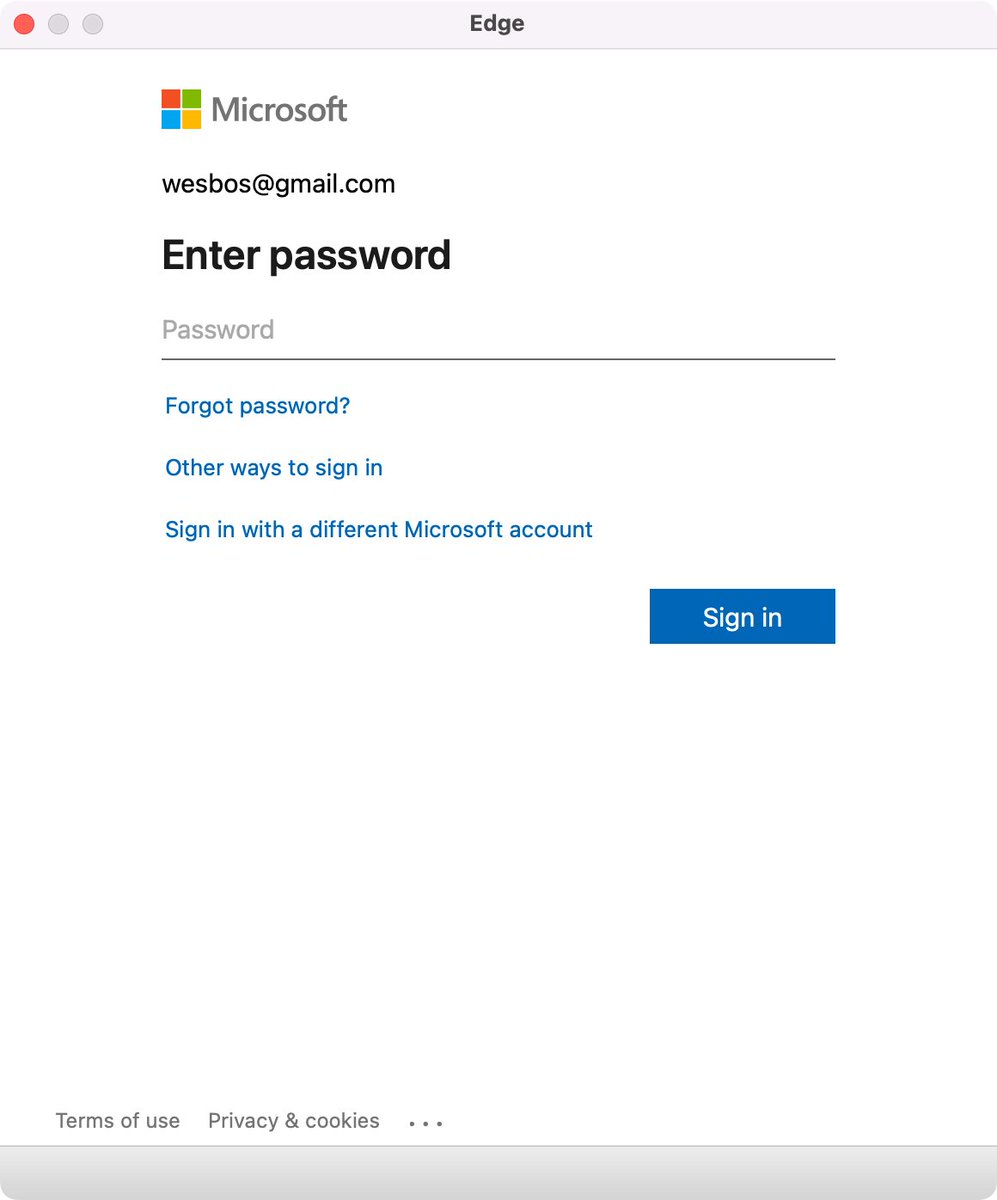
Edge browser Window without address bar of a Microsoft logon page for wesbos@gmail.com not indicating what the logon is for.
[Wayback/Archive] Thread by @wesbos on Thread Reader App
Every single app that uses a popup to sign in needs to stop hiding the address bar.
There is no way to test if its a legit website and 1Password doesn’t work
Without this, your logon borders on a dark pattern which can easily be abused by scammers.
Basically there are three things to make very clear for any logon page belonging to an actually executable: what you are actually logging on to, for and with.
Preferably your application also makes very clear that the logon page actually belongs to the application executable (despite users can figure out the application itself through for instance the Task Manager, or Process Explorer).
For web based logon, this last step is not possible, so for that it is really important to show the URL and the relation of the URL to the application (especially if you use a 3rd party logon like a Microsoft account – formerly Microsoft Passport, Google Account or Facebook account like was popular in OpenID heydays decade surrounding 2010).
Tweet:
- [Wayback/Archive] Wes Bos on X: “every single app that uses a popup to sign in needs to stop hiding the address bar. There is no way to test if its a legit website and 1Password doesn’t work”
- [Wayback/Archive] Tweet JSON
--jeroen

 The Wiert Corner - irregular stream of stuff
Leave a comment