


Digitally Free: Censor An Image In GIMP
Posted by jpluimers on 2019/12/09
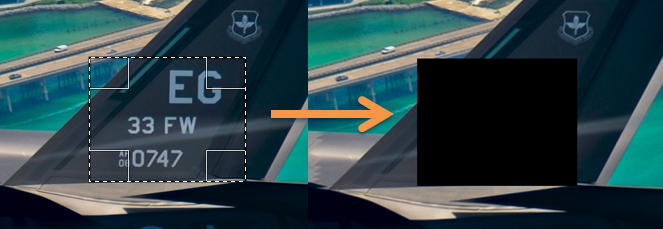
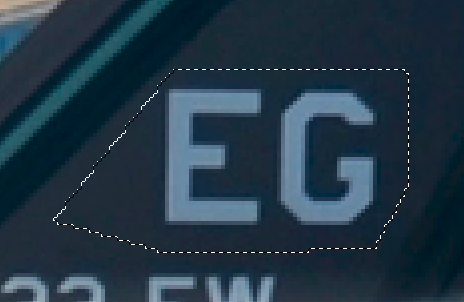
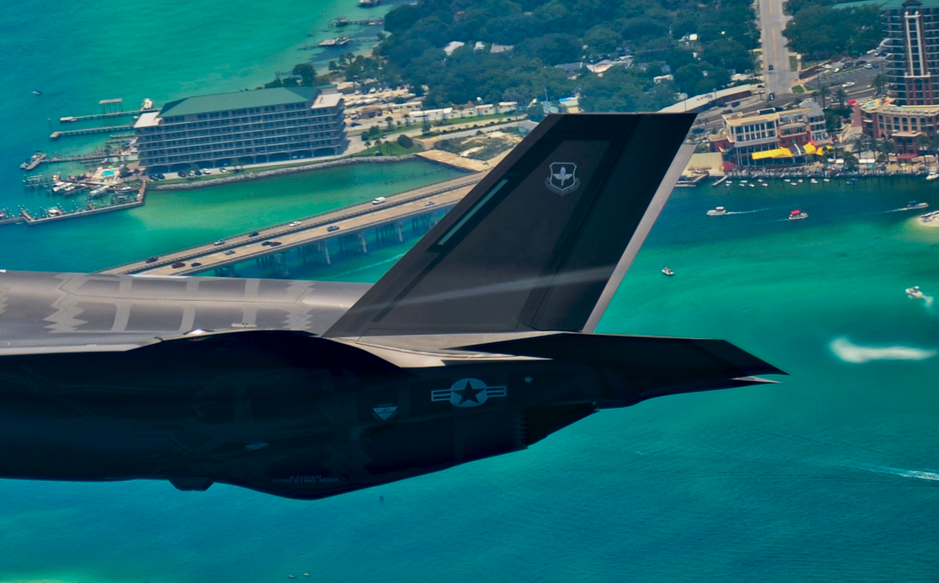
I used the tips at [Archive.is] Digitally Free: Censor An Image In GIMP to ensure some sensitive information was redacted from a picture I published on the internet.
dfree got much further than I needed, so I stayed at a Gaussian Blur with an 80 pixel radius which was more than enough to blur out a few rectangular areas but still show the user-experience of the underlying controls.
–jeroen
Source: Digitally Free: Censor An Image In GIMP

 The Wiert Corner - irregular stream of stuff
Leave a comment