Archive for the ‘Apple’ Category
Posted by jpluimers on 2018/03/23
This worked for me as suddenly – after upgrading to Sierra – the App Store was all Dutch where previously it was English:
After I fought with the issue for a few hours, I found the solution.
- Open Mac App Store and log out of the account.
- Restart your Mac.
- Log in to the account again.
Thanks [WayBack] Blaszard for the above answer at [WayBack] macos – How to change the language used on Mac App Store? – Ask Different
Note that this syncs the language in the App Store with the one you’ve set on the OS X level; for changing that, see [WayBack] macOS Sierra: Change the language your Mac uses
–jeroen
Posted in Apple, Mac OS X / OS X / MacOS, macOS 10.12 Sierra, Power User | Leave a Comment »
Posted by jpluimers on 2018/03/23
For me the easiest is on a sudo terminal (so I can omit the sudo part in the below commands), but if you’d do it “rather safe then sorry”, you can go from the fine-grained individual backup level:
sudo tmutil delete /Volumes/drive_name/Backups.backupdb/mac_name/YYYY-MM-DD-hhmmss
step by step
sudo tmutil delete /Volumes/drive_name/Backups.backupdb/mac_name
all the way back to
sudo tmutil delete /Volumes/drive_name/Backups.backupdb
Incidentally, the tmutil documentation is now regarded as legacy (I’m not sure why) so before it goes away, I’ve archived it:
[Archive.is] https://developer.apple.com/legacy/library/documentation/Darwin/Reference/ManPages/man8/tmutil.8.html
It’s not at http://developer.apple.com/library/mac/#documentation/Darwin/Reference/Manpages/man8/tmutil.8.html as for instance [WayBack] man tmutil … – Kristian Köhntopp – Google+ referred to a few years back.
Anyway:
–jeroen
–jeroen
via [WayBack] macos – How can I manually delete old backups to free space for Time Machine? – Ask Different
Posted in Apple, Mac OS X / OS X / MacOS, macOS 10.12 Sierra, OS X 10.10 Yosemite, OS X 10.11 El Capitan, Power User | Leave a Comment »
Posted by jpluimers on 2018/03/19
With system account starting with underscore:
dscl . list /Users
Without underscore, so only regular accounts:
dscl . list /Users | grep -v ^_.*
Source: [WayBack] macos – How can I list all user accounts in the terminal? – Ask Different
–jeroen
Posted in Apple, iMac, Mac, Mac OS X / OS X / MacOS, MacBook, MacBook Retina, MacBook-Air, MacBook-Pro, MacMini, macOS 10.12 Sierra, OS X 10.10 Yosemite, OS X 10.11 El Capitan, OS X 10.9 Mavericks, Power User | Leave a Comment »
Posted by jpluimers on 2018/02/14
There still is no ps xf on Mac OS X.
You need brew install pstree for that. Then you can excute pstree which gives you a treeview of the processes running.
via: [WayBack] command line – Linux’ ps f (tree view) equivalent on OSX? – Ask Different
–jeroen
Posted in *nix, *nix-tools, Apple, Home brew / homebrew, iMac, Mac, Mac OS X / OS X / MacOS, MacBook, MacBook Retina, MacBook-Air, MacBook-Pro, MacMini, macOS 10.12 Sierra, OS X 10.10 Yosemite, OS X 10.11 El Capitan, OS X 10.9 Mavericks, Power User, ps | Leave a Comment »
Posted by jpluimers on 2018/02/14
I’m still amazed this is not in stock Mac OS X:
In Finder > Select a folder > Right click, we get a popup with an option to create a new folder:Is there a way to add menu item New Textfile for adding a new text file?
[WayBack] macos – Right-click, create a new text file. How? – Ask Different
One way is to use Automator scripts, but: scripting…
–jeroen
Posted in Apple, Automator scripts, Development, iMac, Mac, Mac OS X / OS X / MacOS, MacBook, MacBook Retina, MacBook-Air, MacBook-Pro, MacMini, macOS 10.12 Sierra, OS X 10.10 Yosemite, OS X 10.11 El Capitan, OS X 10.9 Mavericks, Power User, Scripting, Software Development | Leave a Comment »
Posted by jpluimers on 2018/01/30
Most sites explaining how to decompress an xz file mention you should use unxz from the xz utils toolbox.
Running unzx on Msc OS X requires the xz formula from homebrew:
$ brew install xz
==> Downloading https://homebrew.bintray.com/bottles/xz-5.2.2.mavericks.bottle.tar.gz
######################################################################## 100.0%
==> Pouring xz-5.2.2.mavericks.bottle.tar.gz
🍺  /usr/local/Cellar/xz/5.2.2: 91 files, 1.4M
–jeroen
Posted in Apple, Home brew / homebrew, Mac OS X / OS X / MacOS, macOS 10.12 Sierra, OS X 10.10 Yosemite, OS X 10.9 Mavericks, Power User | Leave a Comment »
Posted by jpluimers on 2018/01/19
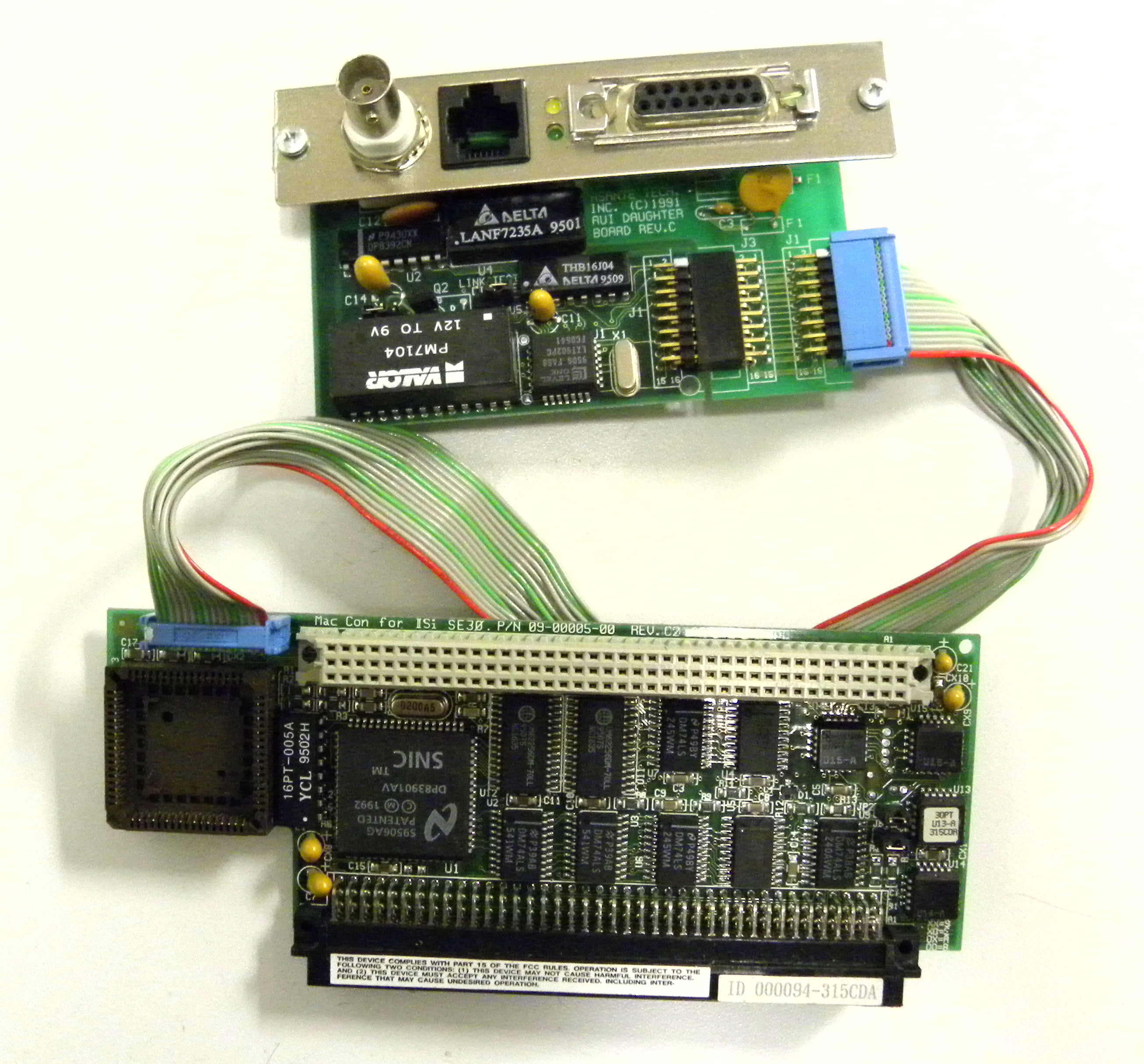
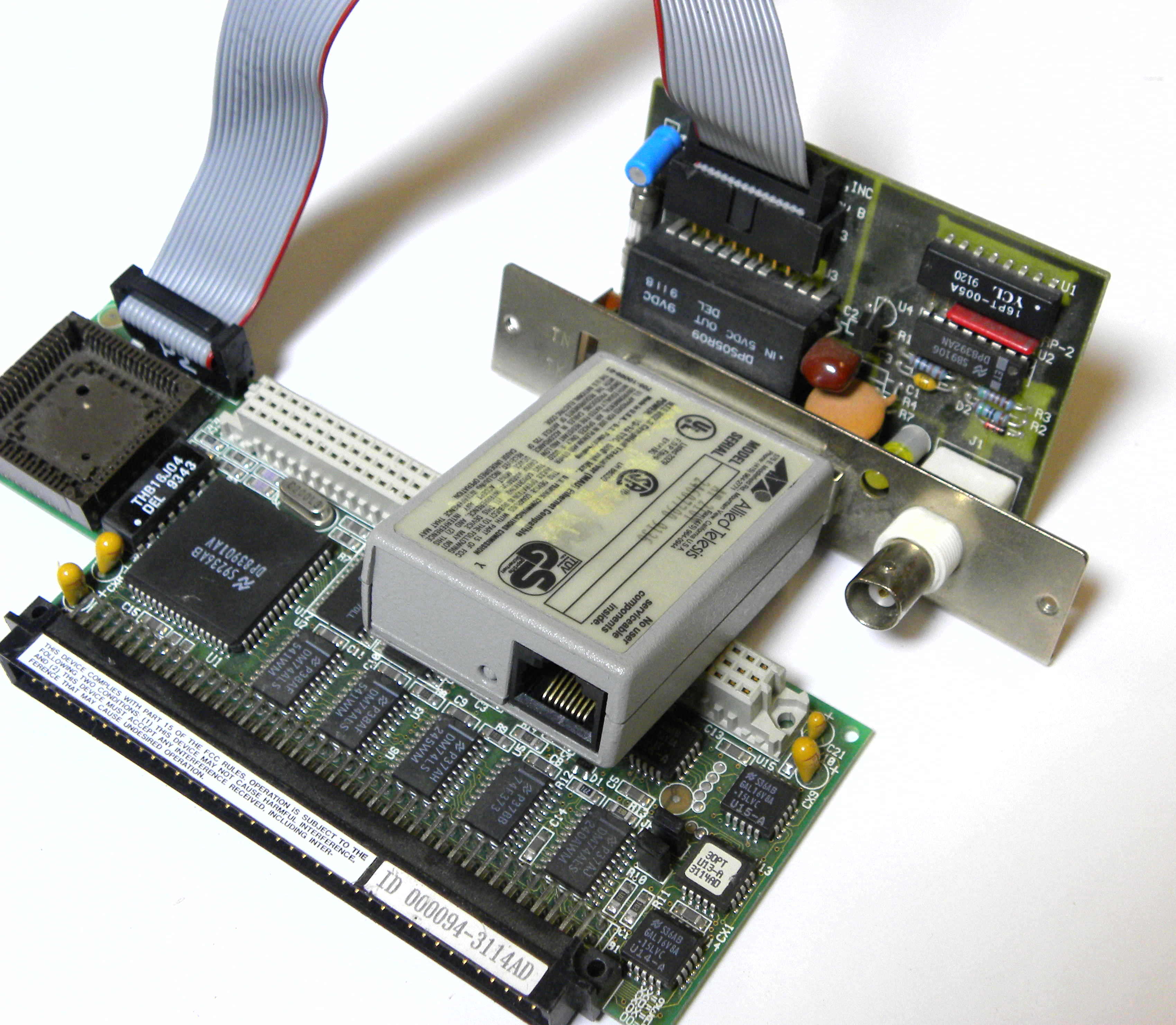
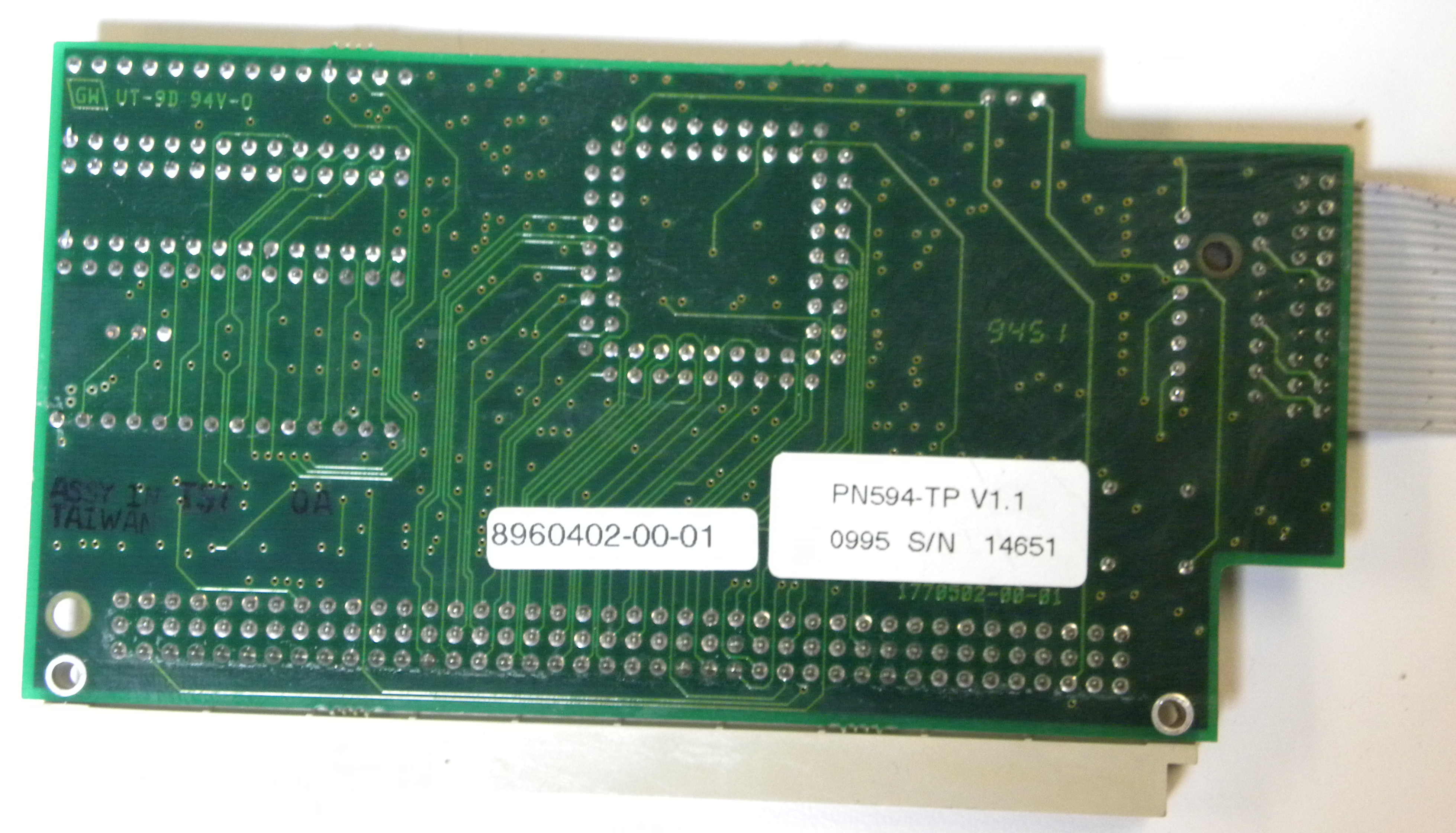
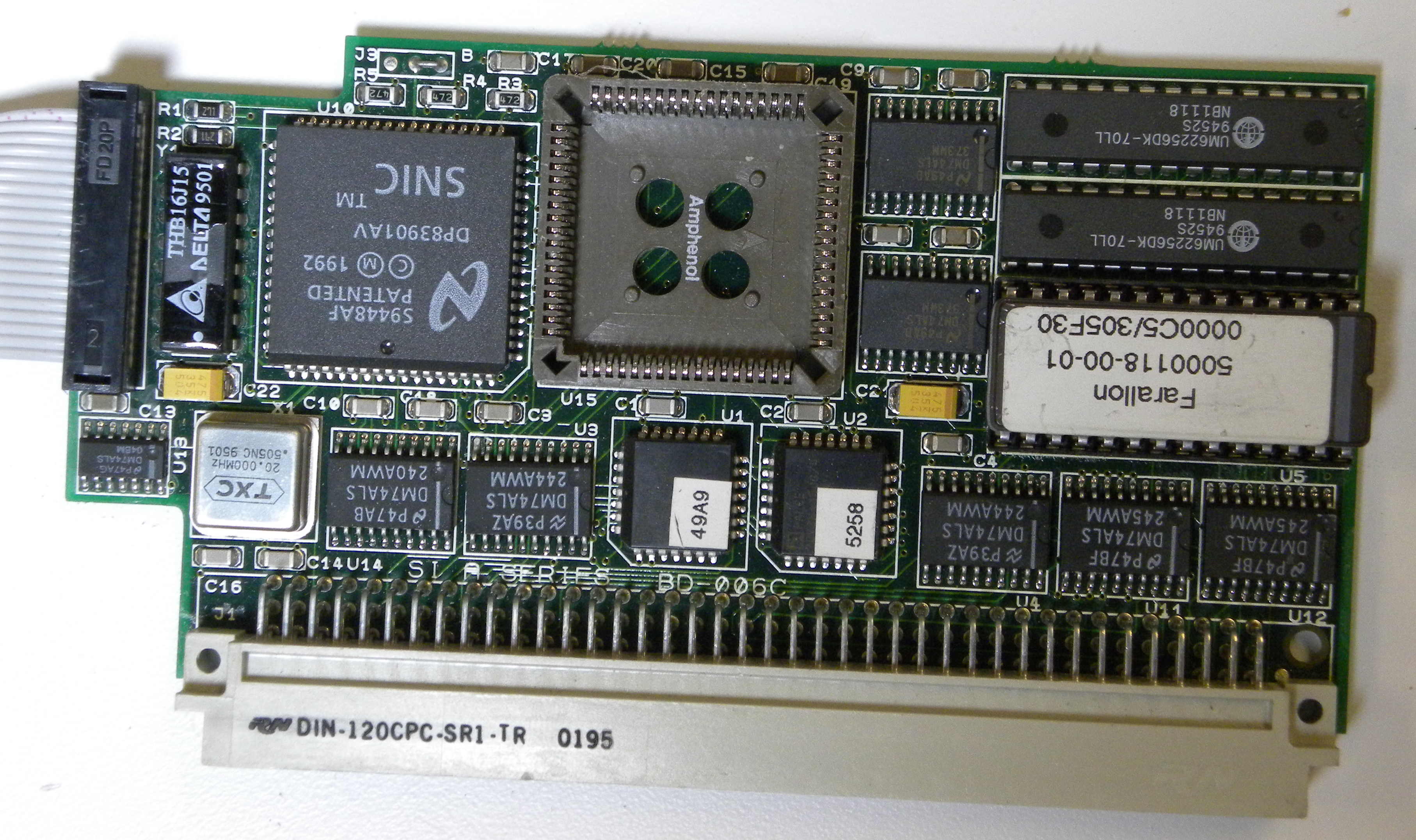
To get started:
Pictures, binary driver image from Index of /pdf/apple/nubus/asante/MacCon_SE30
Index of /pdf/apple/nubus/asante/MacCon_SE30
Apache/2.4.18 (Ubuntu) Server at bitsavers.trailing-edge.com Port 80
–jeroen
Posted in Apple, Classic Macintosh, History, Macintosh SE/30, Power User | Leave a Comment »
Posted by jpluimers on 2018/01/12
It looks like when syncing folders between Mac OS X (MacOS X?) and Windows, many directories get empty Icon? files have a size of 0 bytes.
None of these directories had custom icons, so I’m inclined to remove them all from the Google Drive folder:
find . -name 'Icon*' -size 0 -print0 | xargs -0 rm
as [WayBack] Didier Trosset answered at [WayBack] How to delete many 0 byte files in linux? – Stack Overflow
Before I do that, I need to read these in more detail:
–jeroen
Posted in Apple, Google, GoogleDrive, iMac, Mac, Mac OS X / OS X / MacOS, MacBook, MacBook Retina, MacBook-Air, MacBook-Pro, MacMini, OS X 10.10 Yosemite, OS X 10.11 El Capitan, OS X 10.9 Mavericks, Power User | Leave a Comment »
Posted by jpluimers on 2018/01/08
Like many, I’m a digital packrat. Somehow all your storage space somehow becomes full over time. But sometimes that’s not because just you are a digital packrat. Applications can be digital packrats too.
Chrome is such an example as on Mac OS X it will keep every prior version filed under /Applications/Google Chrome.app/Contents/Versions. In my case GrandPerspective showed it as one big blob of close 20 gigabyte. Which is odd as the download itself is was slightly short of 20 gigabyte of Chrome versions.
There are various ways to clean up this by script, but I find the easiest to do this in Finder:
- From Grand Perspective, right click the entry, then choose “Reveal in Finder”
- In Finder, right click the entry, then choose “Show Package Contents”
- In Finder, with the expanded “Contents” folder, browse to the “Versions” folder and expand it.
- From Finder, delete unwanted versions.
–jeroen
References:
Posted in Apple, Power User | Leave a Comment »


![[ICO]](https://i0.wp.com/bitsavers.trailing-edge.com/icons/blank.gif)
![[PARENTDIR]](https://i0.wp.com/bitsavers.trailing-edge.com/icons/back.gif)
![[ ]](https://i0.wp.com/bitsavers.trailing-edge.com/icons/unknown.gif)
![[IMG]](https://i0.wp.com/bitsavers.trailing-edge.com/icons/image2.gif)

 The Wiert Corner - irregular stream of stuff