


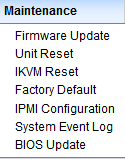
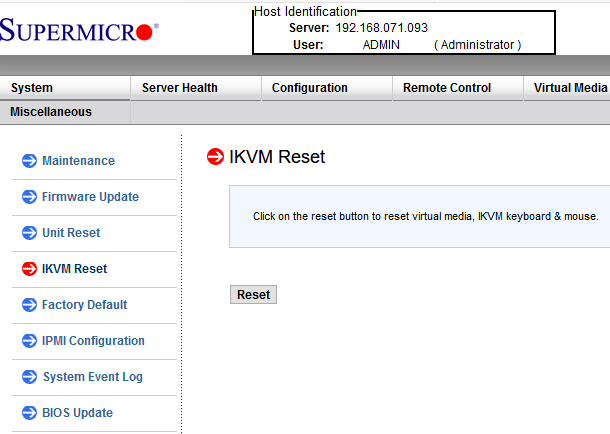
The notes are based on the NanoKVM PCIe as that is what I wanted to set-up on a Windows 11 compatible PC that could be remotely managed for someone not savvy enough to do that themselves. They had an old Supermicro based PC with IPMI which kind of does IPKVM when using the embedded video hardware, but back when I wrote this early 2025 – the year Windows 10 would become end-of-life – it was:
- a nightmare to figure out which Supermicro mainboards were Windows 11 compatible
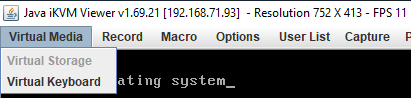
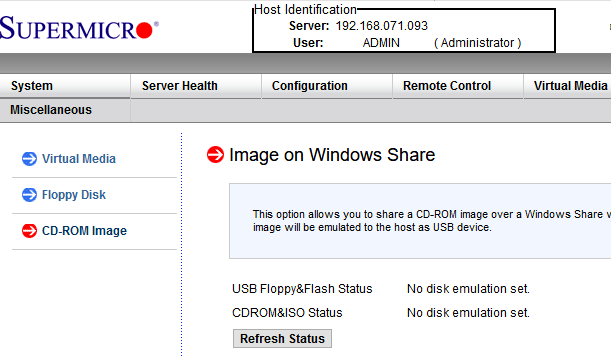
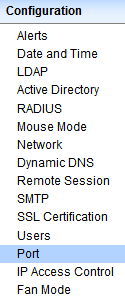
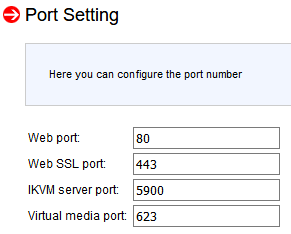
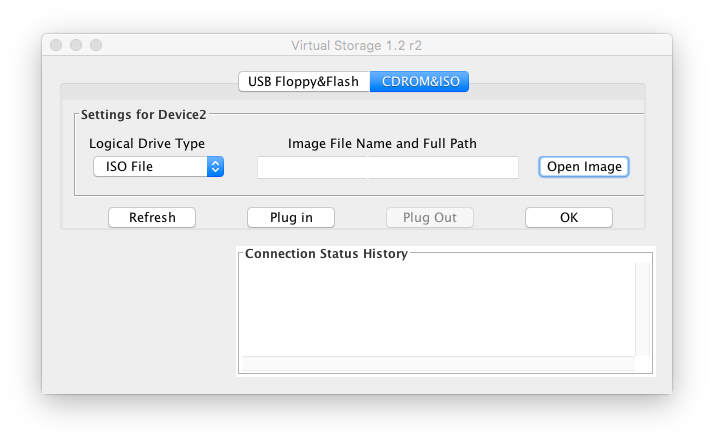
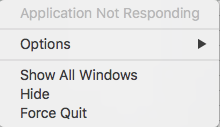
- remote IPMI tooling ¹ was a pain to get working (the most important one is IPMIView which requires Java and even with Java installed would have issues connecting to various generations of IPMI)
- newer KVM tooling has way better
- user experience than classic ones like IPMI and iDRAC
- features like for instance WireGuard support which makes for way less network configuration
- open source software (for at least NanoKVM I mention here, but also for Pi-KVM which has the drawback of also requiring a Raspberry Pi)
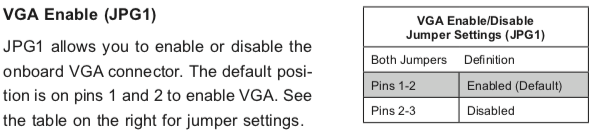
Since none of the modern remote KVM hardware tooling seems to be able to do passthrough video, the solution I researched for was to split the outgoing video signal (either Displayport or HDMI), then optionally convert Displayport to HDMI and finally route that HDMI into the remote KVM hardware.








 The Wiert Corner - irregular stream of stuff