The Wiert Corner – irregular stream of stuff

Jeroen W. Pluimers on .NET, C#, Delphi, databases, and personal interests

  • My badges

  • Twitter Updates

  • My Flickr Stream

  • Pages

  • All categories

  • Enter your email address to subscribe to this blog and receive notifications of new posts by email.

    Join 1,854 other subscribers

Archive for the ‘*nix-tools’ Category

How to return a string value from a Bash function – Stack Overflow

Posted by jpluimers on 2020/06/17

Cool: you can return strings both as a function result, and by reference: they are explained in the question, second and fourth answer of [WayBack] How to return a string value from a Bash function – Stack Overflow.

Returning them by reference has two important benefits:

  1. it is much faster (especially useful in tight loop)
  2. you can use echo (normally used to return a result) for debugging purposes

I also needed a bit of switch magic which I found at [WayBack] bash – Switch case with fallthrough? – Stack Overflow and array magic (from [WayBack] Array variables) as arrays are far more readable than indirection (on the why not, see [WayBack] BashFAQ/006 – Greg’s Wiki: How can I use variable variables (indirect variables, pointers, references) or associative arrays?).

So here is a function that returns a specific IPv4 octet.

function getIpv4Octet() {
  IPv4=$1
  octetIndex=$2
  outputVariable=$3

  slice="${IPv4}"
  count=1
  while [ "${count}" -le 4 ]
  do
    octet[${count}]="${slice%%.*}"
    slice="${slice#*.}"
    count=$((count+1))
  done
   
  case "${octetIndex}" in
    "1" | "2" | "3" | "4")
      ;;
    *)
      octetIndex="4"
      ;;
  esac
  eval $outputVariable="${octet[$octetIndex]}"
}

You call it like this:

$ getIpv4Octet "192.168.178.32" 3 result && echo ${result}
178

–jeroen

Posted in *nix, *nix-tools, bash, bash, Development, Power User, Scripting, Software Development | Leave a Comment »

how to count the length of an array defined in bash? – Unix & Linux Stack Exchange

Posted by jpluimers on 2020/06/16

I needed to enumerate all the parameters to a function and access many of them by index in the same function, so thanks to both these:

I got at this:

  declare -a arguments=("$@")
  for index in ${!arguments[@]}; do
    echo $index/${#arguments[@]}:${arguments[$index]}
  done

These are all forms of Array handling or Shell Parameter Expansion with special cases for array variables:

  • ! does indirection, in this case from the array to the index of the array
  • # gets the lengt of the parameter (for arrays: the number of elements)
  • [] acccesse an array variable using an index

Via:

–jeroen

Posted in *nix, *nix-tools, bash, bash, Development, Power User, Scripting, Software Development | Leave a Comment »

Raspberry Pi, Tumbleweed, btrfs

Posted by jpluimers on 2020/06/15

I want to use btrfs as filesystem on a Raspberry Pi with opensuse Tumbleweed.

It is hard to find out how, so here are a few links that should help me from “opensuse” “tumbleweed” “btrfs” “raspberry” pi:

–jeroen


Posted in *nix, *nix-tools, Development, Hardware Development, Linux, openSuSE, Power User, Raspberry Pi, SuSE Linux, Tumbleweed | Leave a Comment »

ssh_config section order is important: the first setting obtained from a Host/Match section applies

Posted by jpluimers on 2020/06/12

Often, configuration files work like this:

  • global settings are at the top
  • detailed settings are further on, overwriting global settings

Not for ssh_config though, so I was right writing I should read more on it in Good read for starting to intermediate ssh users is “SSH Essentials: Working with SSH Servers, Clients, and Keys | DigitalOcean” and pointers to more advanced reading material.

So here is how ssh_config does it as per man page at [WayBack] ssh_config(5) – OpenBSD manual pages and [WayBack] ssh_config — OpenSSH SSH client configuration files at Linux.org:

     For each parameter, the first obtained value will be used.  The configuration files contain sections separated
     by “Host” specifications, and that section is only applied for hosts that match one of the patterns given in the
     specification.  The matched host name is the one given on the command line.

     Since the first obtained value for each parameter is used, more host-specific declarations should be given near
     the beginning of the file, and general defaults at the end.

This means a section Host * needs to come at the end.

I got that wrong and it took me the better half of a morning to figure out the cause of a connection problem ending in this:

debug1: Authentications that can continue: publickey,password
debug3: start over, passed a different list publickey,password
debug3: preferred publickey
debug3: authmethod_lookup publickey
debug3: remaining preferred:
debug1: No more authentication methods to try.

Somehow, the identity file was never used to try public key authentication at all because of the ssh_config order in ~/.ssh/config.

I’m not the only one confused, as during the search for the cause with “remaining preferred” “No more authentication methods to try.”:

Maybe now I should step up from manually editing the ssh_config file and use [WayBack] GitHub – moul/advanced-ssh-config: make your ssh client smarter to generate it for me.

–jeroen

Posted in *nix, *nix-tools, Communications Development, Development, Internet protocol suite, Power User, SSH, ssh/sshd, TCP | Leave a Comment »

One day I will dig in the various ways that bash can do evaluation, for now: there is eval, “ and $() and I’m not sure when to choose which.

Posted by jpluimers on 2020/06/10

A while ago, I had to execute a series of aliases of which the names were stored in an array. A simple for loop with en eval call did the job.

Then I found out there are at least two more ways of evaluation in bash, so here are just a few links giving me a head start if I ever dig this up again:

Note that looping over parameters is different than over an array: [WayBack] Loop through an array of strings in Bash? – Stack Overflow

ou can use it like this:

## declare an array variable
declare -a arr=("element1" "element2" "element3")

## now loop through the above array
for i in "${arr[@]}"
do
   echo "$i"
   # or do whatever with individual element of the array
done

# You can access them using echo "${arr[0]}", "${arr[1]}" also

Also works for multi-line array declaration

declare -a arr=("element1" 
                "element2" "element3"
                "element4"
                )

–jeroen

Posted in *nix, *nix-tools, bash, bash, Development, Power User, Scripting, Software Development | Leave a Comment »

bash + sed: quadruple backslash for proper escaping within an alias

Posted by jpluimers on 2020/06/09

This is part of a bash alias where I had to use quadruple backslash in order to escape it for sed:

# The sed with quad //// is to prevent 'unterminated substitute in regular expression':
alias x='... | sed "s/=.*/ \\\\/"'

This is needed because bash will escape \\\\ into \\ which sed then escapes to \.

The easiest way to find this is to replace the sed with echo to see the expansion.

References:

–jeroen

Posted in *nix, *nix-tools, bash, bash, Development, Power User, Scripting, sed, Software Development | 2 Comments »

GitHub – gpakosz/.tmux: Oh My Tmux! My pretty + versatile tmux configuration that just works (imho the best tmux configuration)

Posted by jpluimers on 2020/06/08

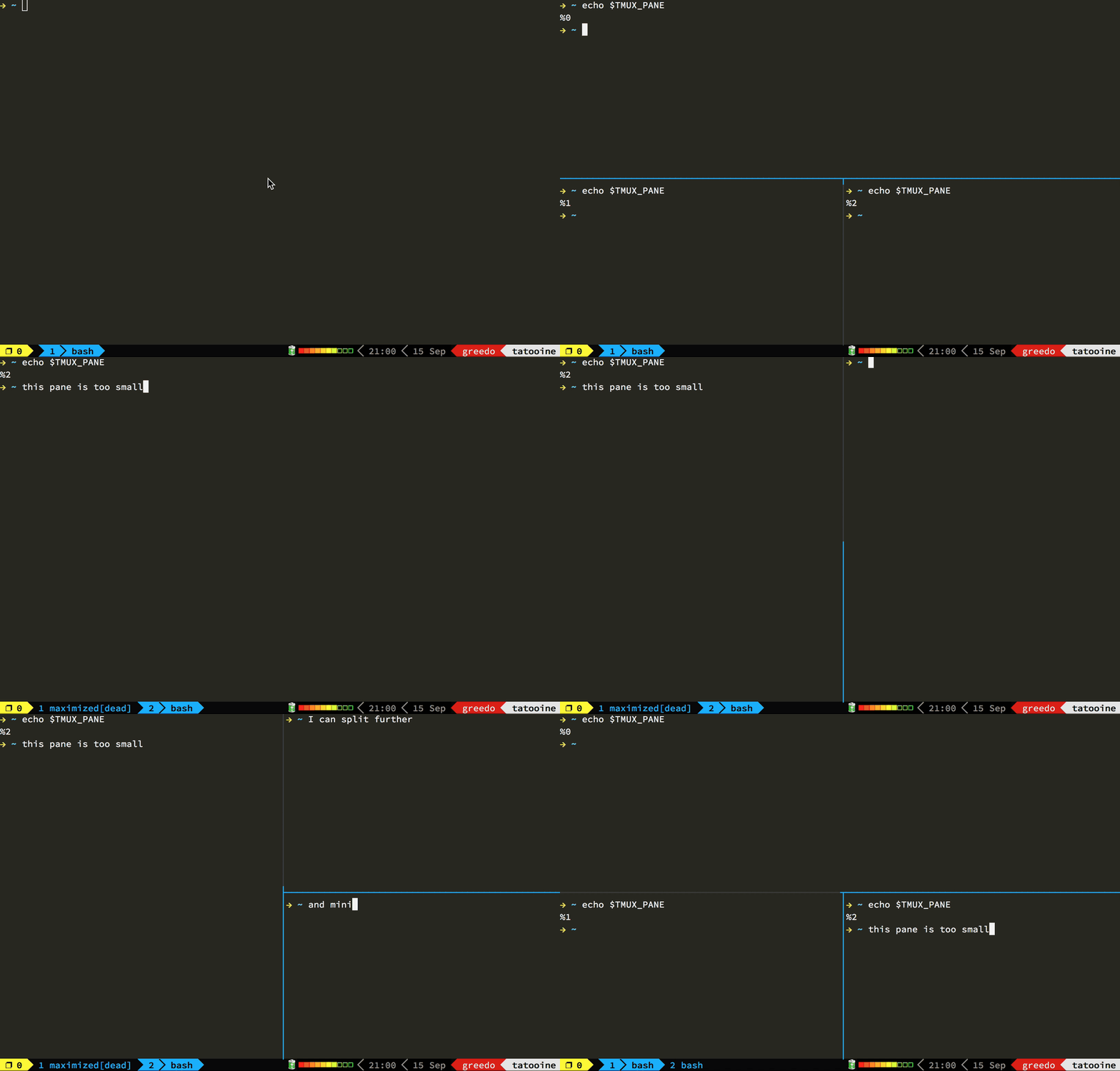
On my list of things to try some dotfiles including [WayBackGitHub – gpakosz/.tmux: Oh My Tmux! My pretty + versatile tmux configuration that just works (imho the best tmux configuration).

–jeroen

Posted in *nix, *nix-tools, Power User, tmux | Leave a Comment »

Good read for starting to intermediate ssh users is “SSH Essentials: Working with SSH Servers, Clients, and Keys | DigitalOcean” and pointers to more advanced reading material

Posted by jpluimers on 2020/06/08

For a really nice overview of most basic and intermediate usage of ssh, read [WayBackSSH Essentials: Working with SSH Servers, Clients, and Keys | DigitalOcean.

It is large (printed to PDF it is 30+ pages in either A4 or Letter format) but well worth reading as it covers a lot in manageable bits.

Does it mean I won’t write about ssh again?

I will continue, as most of my blog posts are relatively short highlighting a small thing at a time (that is how I learn best, hopefully some of you do as well).

It does not explain really advanced stuff (like ProxyCommand), so here is a start of things I want to learn more about:

–jeroen

Posted in *nix, *nix-tools, Power User, ssh/sshd | Leave a Comment »

Cursor Movement in bash: either echo escape sequences or use tput

Posted by jpluimers on 2020/06/03

I read [WayBackCursor Movement earlier than [WayBack] Colours and Cursor Movement With tput and [WayBack] The Floating Clock Prompt.

So in one of my scripts I’ve now used an escape sequence, but I might change it to tput in a future version:

## Move one line up, then write finished scripts:
echo -e "\033[1A$finished\r"

I would probably have started with put if I had read [WayBack] bash – Set or change vertical position of the cursor – Stack Overflow first.

–jeroen

Posted in *nix, *nix-tools, bash, bash, Development, Power User, Scripting, Software Development | Leave a Comment »

How do I delete a Bash function? – Stack Overflow

Posted by jpluimers on 2020/06/02

I hardly do this, so I tend to forget that unset -f functionname deletes a function and unset variablename or unset -v variablename deletes a variable.

From:

I have done this:bash $ z() { echo ‘hello world’; }How do I get rid of it?

Source: [WayBackHow do I delete a Bash function? – Stack Overflow

Reference: [WayBack] unset Man Page – Bash – SS64.com

–jeroen

Posted in *nix, *nix-tools, bash, bash, Development, Power User, Scripting, Software Development | Leave a Comment »