The Wiert Corner – irregular stream of stuff

Jeroen W. Pluimers on .NET, C#, Delphi, databases, and personal interests

  • My badges

  • Twitter Updates

  • My Flickr Stream

  • Pages

  • All categories

  • Enter your email address to subscribe to this blog and receive notifications of new posts by email.

    Join 1,862 other subscribers

Archive for the ‘Web Browsers’ Category

Gif Stopper – Chrome Web Store

Posted by jpluimers on 2011/09/09

Quote:

Gif Stopper will stop animated gif images with using the escape key.

We all love animated gifs but some times they are too distracting, that’s with Gif Stopper comes in. Hit the escape key and the image stops. Most browsers have this build-in and now Google Chrome has it also.

Most importantly: it WORKS with Google+ Plus!!

–jeroen

via: Gif Stopper – Chrome Web Store.

Posted in Chrome, Power User, Web Browsers | Leave a Comment »

Extensions to force HTTPS in your browser

Posted by jpluimers on 2011/07/22

About 9 months ago I posted about HTTPS Everywhere | Electronic Frontier Foundation hoping someone would port the HTTPS Everywhere extension for Firefox to force HTTPS in other browsers like Google Chrome, Microsoft Internet Explorer et cetera.

In the mean time, I found out about HSTS (HTTP Strict Transport Security), which is supported by FireFox 4, and Chrome 12.

Also in the mean time I found about a few HTTPS enforcer extensions for other browsers.

For instance, there are two similar Google Chrome Extensions to HTTPS Everywhere:

Internet Explorer does not have such an extension.

Opera has the Security Enhancer extension.

Next to HTTPS Everywhere, there are the ForceHTTPS and NoScript extension for FireFox (NoScript also supports HSTS).
FireFox 4 supports HSTS out of the box.

So now you have a choice!

–jeroen

Posted in Chrome, Firefox, Internet Explorer, Power User, Web Browsers | Leave a Comment »

Chrome 12 brought back Issue 47714 – chromium – maximize bug while loading webpage on windows 7 – An open-source browser project to help move the web forward. – Google Project Hosting

Posted by jpluimers on 2011/06/27

Regression tests are useful, especially before release.

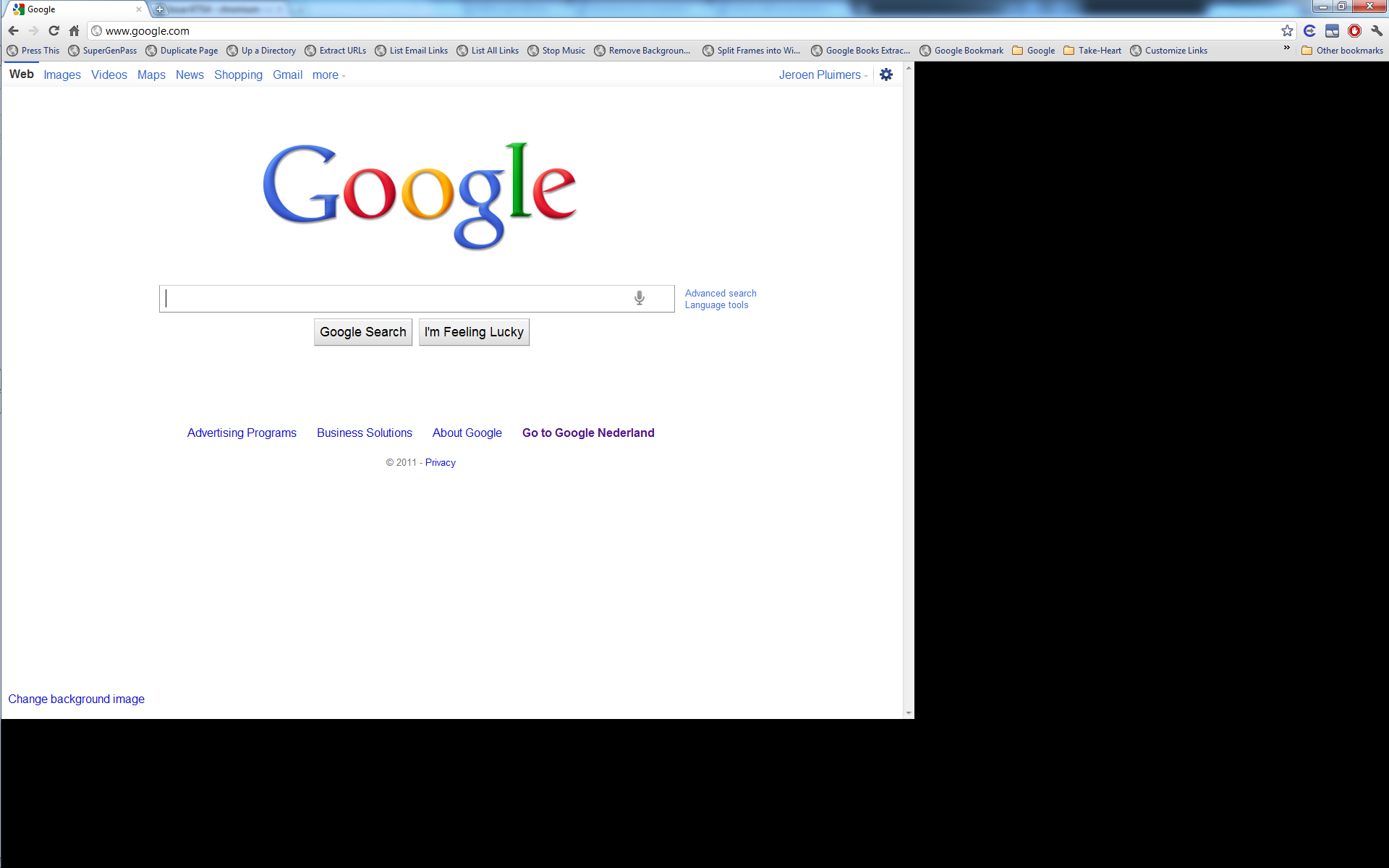
Clearly someone forgot to regression test the Issue 47714 – chromium – maximize bug while loading webpage on windows 7, as after a while of absence, Chrome 12 reintroduced this issue (it is present in all versions of Chrome 12 I tested, until at least 12.0.742.100).

Workarounds:

  1. Maximize the window, then enter a URL
  2. Wait for Chrome to fully load the URL, then maximize.

–jeroen

Posted in Chrome, Power User, Web Browsers, Windows, Windows 7 | Leave a Comment »

Exporting Google Chrome cookies for wget usage: cookie.txt export – Google Chrome extension gallery

Posted by jpluimers on 2011/05/30

When using wget for downloading from the command-line, sometimes you need cookies in netscape file format.

There is a Chrome cookie.txt export extension that makes exporting your cookies in that format easy.

It opens a window that contains the cookies relevant to the domain of the currently opened web-page. You copy/paste your cookies in format like this:

# Cookies for domains related to wordpress.com.
# This content may be pasted into a cookies.txt file and used by wget
# Example: wget -x --load-cookies cookies.txt https://wiert.wordpress.com/wp-admin/post.php?post=5767&action=edit
#
en.forums.wordpress.com FALSE / FALSE 1304919940 TESTCOOKIE home
en.support.wordpress.com FALSE / FALSE 1304920249 TESTCOOKIE home
wiert.wordpress.com FALSE / FALSE 1304920561 TESTCOOKIE home
en.wordpress.com FALSE / FALSE 1304920572 TESTCOOKIE home

It even includes the wget command-line example for loading the cookies using the –load-cookies option :)

–jeroen

via: cookie.txt export – Google Chrome extension gallery.

Posted in *nix, Chrome, Power User, Web Browsers, wget | 3 Comments »

Chrome “Open frame in new tab” replacement: Open Frame/This Frame extensions

Posted by jpluimers on 2011/05/16

New versions sometimes means the loss of features.

Starting with Google Chrome 10, the “Open frame in new tab” option in the context menu was removed (“Reload frame”, “View frame info” and “View frame source” are still there though).

The removal has been reported as a bug by Michael Schramm on December 10, 2010, but no action from the Chromium nor Chrome teams yet.

But shortly after the removal, two Chrome extensions appeared:

Though they both work very well, I like the second one more because it has slightly more options (it is based on the first one).

Note that when you install these extensions, you have to reload a tab when you want to use the new functionality offered by the extension on that tab.

–jeroen

via: Open Frame – Google Chrome extension gallery.

Posted in Chrome, Power User, Web Browsers | Leave a Comment »

Google Chrome about:about – main entrance to the “geek” pages

Posted by jpluimers on 2011/03/21

Google Chrome as a quite extensive collection of about: pages not limited to the empty about:blank and the simple about: info page.

Some of them enable you to view and/or set some geeky stuff.

about:about is the best entrance: it has a list of most of the available about: pages.
An alternative is chrome://about/about/

There are a few more, and some site, including lifehacker published has a nice list in 2008, but since then some of them moved to the regular configuration dialogs.

So here is what still works and what doesn’t (as of Chrome 8.0; 9.0 will change a bit):

Doesn’t work:

Works, but not in the about:about list:

ChromeAccess is an extension plugin that gives you quick access to these pages too.
(Speaking of extensions, there is a FireBug Lite extension for Chrome, and a nice list of popular Chrome extensions)

ChromeFans shows there is also a view-cache: and view-source: prefix.

Finally Zhacks has a list with a few chrome:// pages that are also interesting:

–jeroen

Posted in Chrome, Power User, Web Browsers | 1 Comment »

Personal Blocklist (by Google) – Chrome Web Store

Posted by jpluimers on 2011/02/18

The new Personal Blocklist extension for Google Chrome allows you to block certain patterns from the Google search results.

Ideal for those “link aggregation” sites that Google itself does not block yet.

The input from this tool will be used to improve the Google Search results for others tool.

The personal blocklist extension will transmit to Google the patterns that you choose to block. When you choose to block or unblock a pattern, the extension will also transmit to Google the URL of the web page on which the blocked or unblocked search results are displayed. You agree that Google may freely use this information to improve our products and services.

–jeroen

via Personal Blocklist (by Google) – Chrome Web Store.

Posted in Chrome, Power User, Web Browsers | Leave a Comment »

Chrome will never add Find-As-You-Type to the Chromium core

Posted by jpluimers on 2011/01/24

To quote the comment below:

we have no plans to ever add FAYT to the core product.

Wow, that is a pretty strong statement.
The core chromium team somehow seems heavily opposed to FAYT, a feature you see more and more in modern products (not only browsers, also word processors, web sites, software development IDEs, etc).
Some people might know FAYT as “incremental search“, or “type ahead find“.

I’m wondering about the cause of this very strong statement.
Did some portion of the comment thread in the bug report seriously piss someone off at the Chromium team?
Are there technical objections?
Are there any usability objections?

It is a real pity that the Chromium team doesn’t go into more detail as to why the object to adding FAYT into the core.

The bug report is not the only thread about this, there is at least this help forum thread on it too.
Both are from 2008 (hey: that is ancient in internet years!) and are still active, so there clearly is demand for FAYT.

Internet Explorer does not have FAYT in its core either, but does Chrome really want to be compared with that?

Luckily, there are two FAYT extensions:

Read the rest of this entry »

Posted in Chrome, Power User, Web Browsers | Leave a Comment »

SEO guys taking over Google results: Search Filter and Stackoverflowizer Chrome extension

Posted by jpluimers on 2011/01/14

Over at least the last year, I keep adding more and more “site:domainname” clauses to my Google search queries because somehow content scrapers somehow rank higher in the Google results than the original content.

Some domainnames I often used because of good content:

  • stackoverflow.com
  • microsoft.com
  • wikipedia.org
  • apple.com
  • reference.com

Others too noticed the SEO guys are steadily taking over Google results: Jeff Atwood just wrote a great article on this topic (with an even greater list of comments), and there is even a Stackoverflowizer app redirecting back from the scrape sites back to the content!

The world upside down, but maybe this is some good news:
an opportunity for other search engines to fill the gap.
And it looks like they do, and Vivek Wadhwa wrote a nice article on those too.

There is an opportunity for browser extensions too, so here are some Google Chrome extensions:

Be prepared to fill your machines with some more memory as browser plugins do eat some.

–jeroen

Posted in Chrome, Firefox, Internet Explorer, Power User, Web Browsers | Leave a Comment »

HTTPS Everywhere | Electronic Frontier Foundation

Posted by jpluimers on 2010/09/27

Currently this is FireFox-only.
I hope someone ports this to a Chrome extension and Internet Explorer plugin: HTTPS Everywhere | Electronic Frontier Foundation.

–jeroen

Posted in Chrome, Firefox, Internet Explorer, LifeHacker, Power User, Web Browsers | 1 Comment »