


Dear fellow social media users, please post screen shots as PNG, not as JPEG image files
Posted by jpluimers on 2012/08/01
I still see many people post screen shots as JPEG images.
JPEG images introduce distortion, and usually are bigger than PNG images.
The PNG images are more crisp, and have more vibrant colors.
So dear fellow social media users: please post screen shots as PNG images.
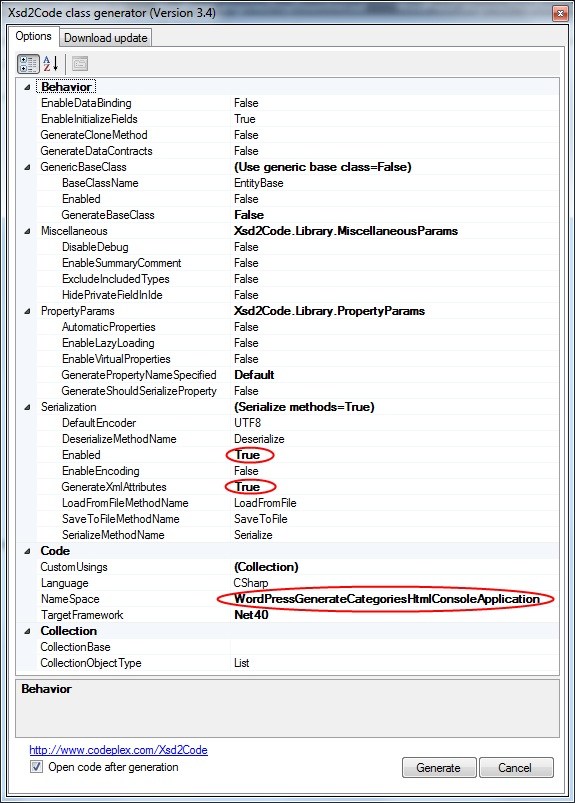
Comparison: the JPEG on the left is 120 kilobyte, the PNG on the right only 60 kilobyte and looks much better.
 JPEG PNG

 The Wiert Corner - irregular stream of stuff
Nikolay Fedorovskih said
If it’s not important the preservation all of the original colors, you can still reduce the file size if using adaptive palette: http://not-doing.ru/some/png-optimized.png (22 KB)
jpluimers said
Please correct me if I’m wrong: I think that from the adaptive palette, you should be able can reconstruct the original colours (otherwise the image would not display correctly).
So thanks for the tip.
What’s the easiest way to generate a PNG with such an adaptive palette?
–jeroen
Nikolay Fedorovskih said
No, original colours can’t be reconstruct, because palette created using some quantization algorithm ( http://en.wikipedia.org/wiki/Color_quantization ).
For save to png with palette I’m using a XnView (freeware) – http://www.xnview.com/en/ – in main menu “File” -> “Export”, and, sometimes, for additional optimization, some web-services (such as pngoptimizer.com).
jpluimers said
Thanks!