


History: run HD image with Borland’s Turbo Pascal 5.5/6.0/7.0 and Microsoft’s QuickPascal 1.0 in VMware Fusion
Posted by jpluimers on 2014/03/12
Edit 20250102: added various “[Wayback/Archive]” archival links, VMware information, amended TUWA location, and added alternative csboot.zip download location on the Internet Archive (the Wayback Machine download is broken and the original gone)
A really long time ago, I posted in [Wayback/Archive] history – What features contributed to the evolution of Pascal? – Programmers indicating there was a [Wayback/Archive] Hard Disk Image of MS-DOS 6.22 with Pascal for Computer Studies. In fact, that is an IMG file of a DOS hard disk. And this posts shows how to use it with VMware Fusion on Mac OS X. The is a hard disk image contains:
- A full version of MS-DOS 6.22 (MSDN Original)
- Borland Turbo Pascal 7.0 (main)
- Borland Turbo Pascal 6.0
- Borland Turbo Pascal 5.5
- Microsoft QuickPascal 1.0
Edit 20250102: does not work under VMware Fusion when you run Apple Silicon. Not figured out a performant alternative yet. Will try figuring out later.
DOS on a Mac
At the end of last century, nobody would expect to even run a terminal shell on Mac OS. And indeed, up until Mac OS 9, this was impossible. But in 1999 (Darwin) and 2000 (Mac OS X Server 1.0) Apple introduced Terminal.app into OS X (called OS X since 10.8), allowing access to the command line shell. x86 support is another thing though: the early Macintosh was Motorola 68000 based and later Macs were PowerPC based. In 2005 the Apple’s transition to Intel processors became clear. Mid 2006 the first Intel based Mac was introduced based on what commonly is called the Apple-Intel Architecture. They ran Mac OS X 10.4 “Tiger” which supported both Intel and PowerPC. In 2009, PowerPC support was dropped with Mac OS X 10.6 “Snow Leopard”. Without a form of emulation, you could not run one architecture on top of the other. Luckily, these products appeared:
- Mac 68K emulator which was present in all PowerPC versions of Mac OS X could run Motorola 68000 based binaries and Fat binaries. Now you can use SheepShaver to fully emulate a classic Mac.
- Rosetta – based on QuickTransit – supported emulating PowerPC from Mac OS X 10.4.4 until Mac OS X 1.6 that can run Universal binaries.
- SoftPC and SoftWindows emulated a full PC (SoftWindows included a Windows license).
- Connectix had Virtual PC (and the unreleased Virtual Server) for the Mac, which was sold in 2003 to Microsoft which in 2006 announced it would not be supported on Intel-based Macs.
- Bochs supports emulating x86 on many architectures.
But emulation is slow (in the early 1990s you even had [Wayback/Archive] TUAW: Apple’s DOS Compatibility Cards that were basically a PC in a NuBus slot, before that in the late 1980s [Wayback/Archive] AST had similar x86 cards), so I never used these architectures, and now that all Macs have been Intel based, you can use another technology that is much faster: Hardware-assisted virtualization.
Eric Traut is a name to watch with respect to emulation and virtualization. He worked at the Mac 68K emulator, Virtual PC, Virtual Server and Hyper-V. Now he is a Microsoft Distinguished Engineer in the Virtualization area.
Edit 20250102: the TUAW link now has moved to Engadget at [Wayback/Archive] Before there was Boot Camp, there were DOS Compatibility Cards (see [Wayback/Archive] Apple blog TUAW returns as an AI content farm – Engadget)
Virtualization
I choose VMware Fusion for running this hard drive image, as virtually (pun intended) all my development and production environments run under a VMware product, and exchanging machines between them is a breeze. In the future, I might try one of these to see if the steps are any easier based on the Comparison of platform virtual machines page on WikiPedia:
- Emulation products
- QEMU: it emulates so many platforms that I’m very curious to get this to work on a Mac.
- DOSBox; see this video: [Wayback/Archive] Running DOS Programs on Mac With DOSBox (Macintosh OS X) – YouTube. Note: [Wayback/Archive] Free DOS games for Boxer is based on DOSBox.
- Virtualization products
The HDD image on VMware Fusion
The [Wayback/Archive] Hard Disk Image of MS-DOS 6.22 with Pascal for Computer Studies uses the IMG file extension. Like many DOS and Windows disk images it is a physical disk dump, but unlike IMA/FLP [Wayback/Archive] floppy disk images, hard disk images can take up a lot of space when the imaged disk is large, even when little of that space is actually in use. Thats why virtual disk images (like VHD, VMDK, VDI or HDS) often use sparse formats where unused portions are not stored. The IMG extension is unfortunate, as it is also used for other formats, for instance CD/DVD ISO images, RLE bitmap images and others. Luckily, this IMG file is compatible with a VHD file. Though VMware Workstation and VMware Player have built-in support for VHD, VMware fusion is not, so I needed a way to convert the VHD into VMDK. There are a couple of ways to do this:
- .NET/C#/PowerShell: building .NET DiscUtils library for virtual disk images.
- using WinImage as it understands both IMG, VMDK and VHD: [Wayback/Archive] VMware: Convert VHD to VMDK with WinImage | VMpros.
When you have converted the CSBOOT.IMG into VMDK, then you can import it in VMware Fusion.
The disk image also includes the most basic IDE CD-ROM driver shipped with the MS-DOS 6.22 boot diskette and the Microsoft Mouse Driver 8.20 which is commonly used (only with PS/2 mouse, like what we have at school).
After booting up, you can type:
- cls: Clear screen
- turbo/tpx: Launch Turbo Pascal 7.0
- turbo60: Launch Turbo Pascal 6.0
- turbo55: Launch Turbo Pascal 5.5
- qp: Launch QuickPascal Download
Download
[Wayback] http://michael960308.webs.com//downloads/csboot.zip
Edit 20240102: both above download links are dead (the second to link rot, the first to a Wayback Machine hick-up during archival), but luckily [Archive] archive.org/details/csboot has a copy at archive.org/download/csboot/csboot.zip and I had archived a copy myself which is now at wiert.me/wp-content/uploads/2025/01/csboot.zip and wiert.wordpress.com/wp-content/uploads/2025/01/csboot.zip.
File information what value size 7.240.387bytesmd5 b87d3f68d032b167dd1371bac7b34e8fsha1 b5e9d67a90a6e56a739197ead664663e6702f523sha224 ccdbbf402b02eef90dcd301494180a7b597c233adf6323a43bd7cedexsha256 38572e4a29a88ce78778701d8772350e86c0a3d0807daf808b8a5069c82dfb49sha384 93f25302fdb39226f421bc63d3a7b7318f835799081affdbe29252e52ec2d7710039e2a367dc397b3fabf836fe803648sha512 96bb4651a1f763582d910c386ed354bb9164d131d64de77a7dca4f0e53c13d7b3496d2dd44984409904684e99d7402e2aab221d728ce2196935f7d3d8a66e468sha512224 8a7b30ab271aec636de94277467b5b983a7e89ef96188f409df314e6sha512256 1948fb29d7c04ef1cd484bd9fd9d62a8684049915ae79992e44f87e984722fbd
Hash commands via [Wayback/Archive] Check and verify md5/sha1/sha256 checksums for MacOS X when I download files – nixCraft
Screenshots
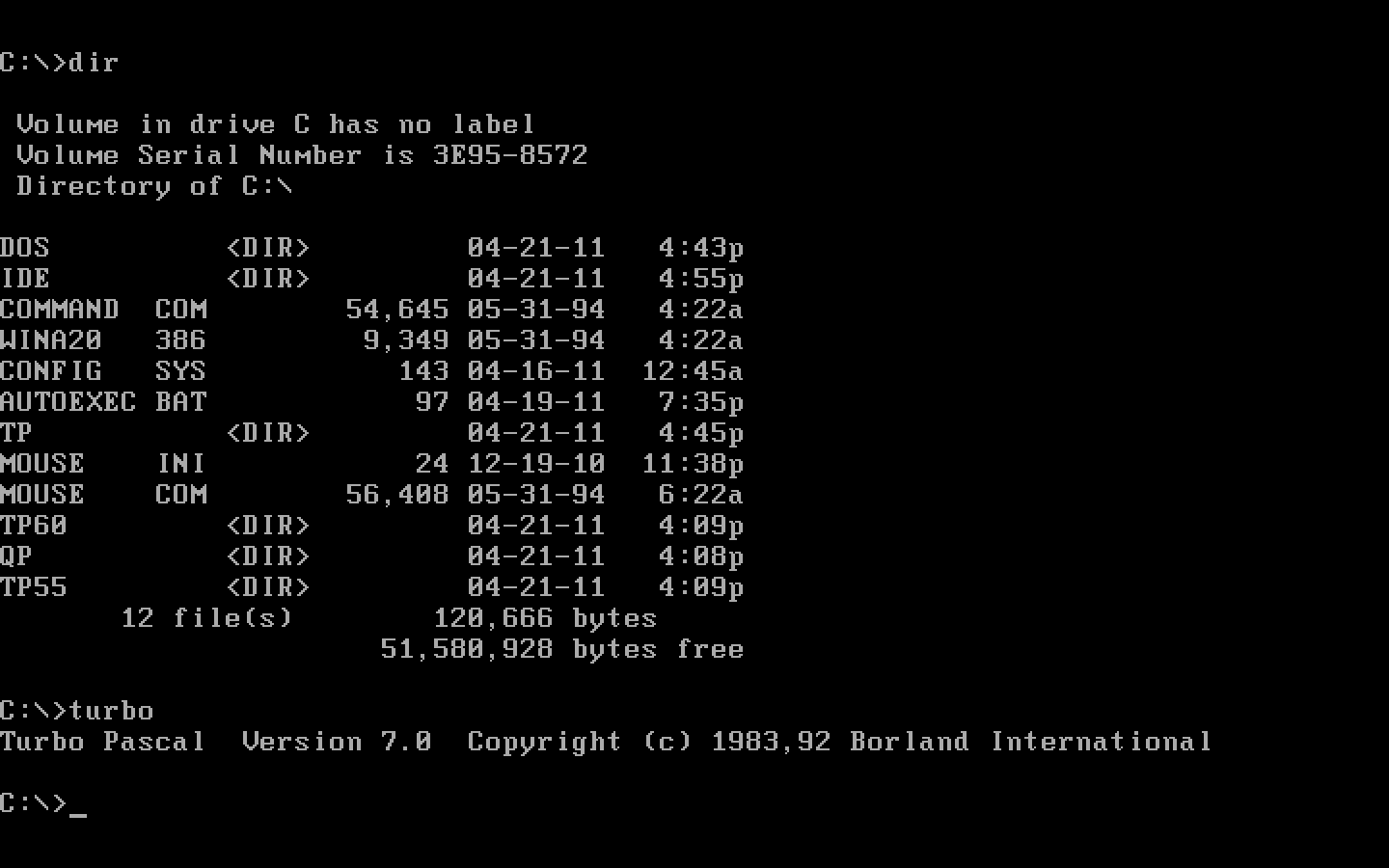
The directories of the DOS-Pascal disk after running Turbo Pascal 7.0

The first Turbo Pascal with OOP
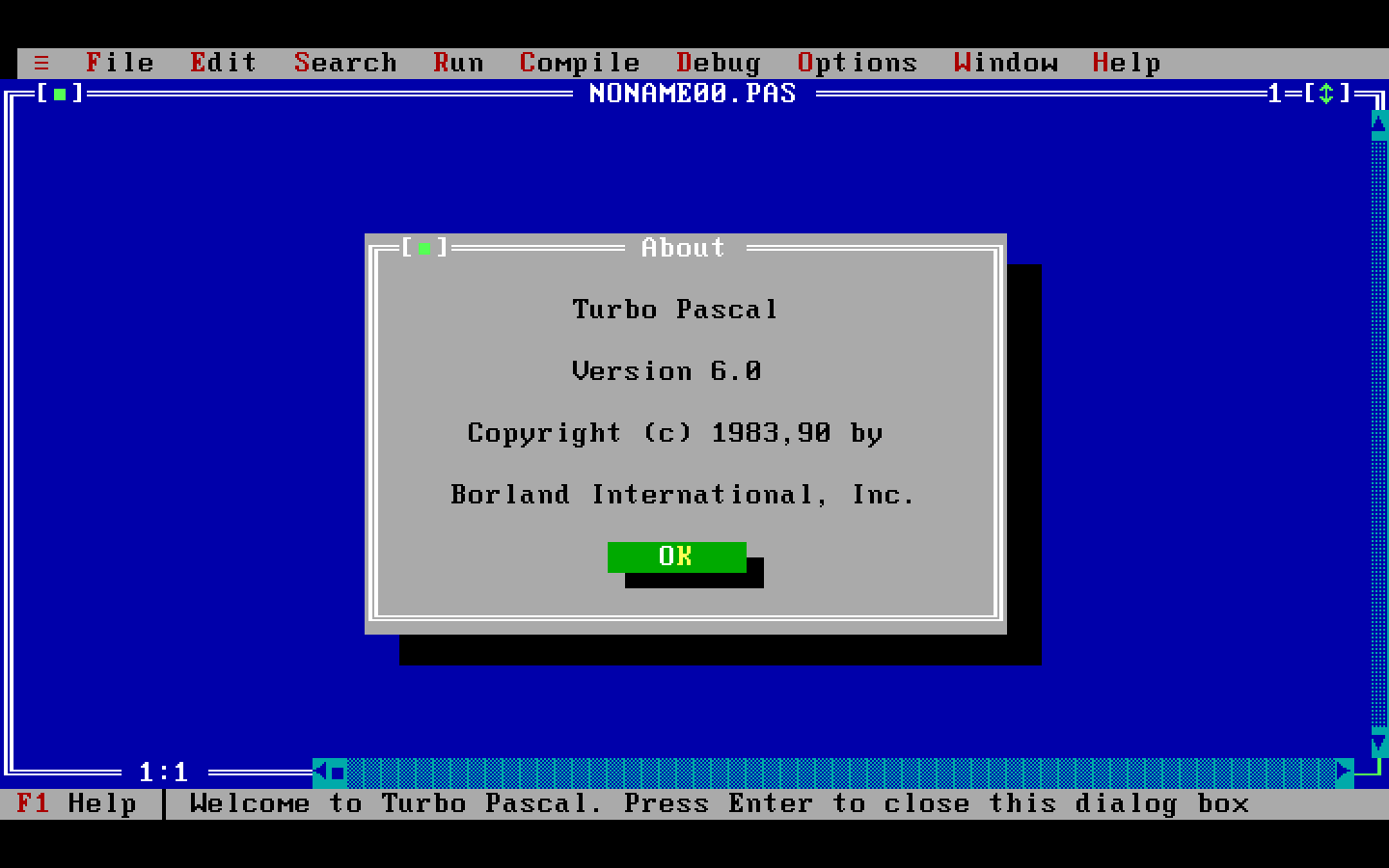
The first Turbo Pascal with Turbo Vision
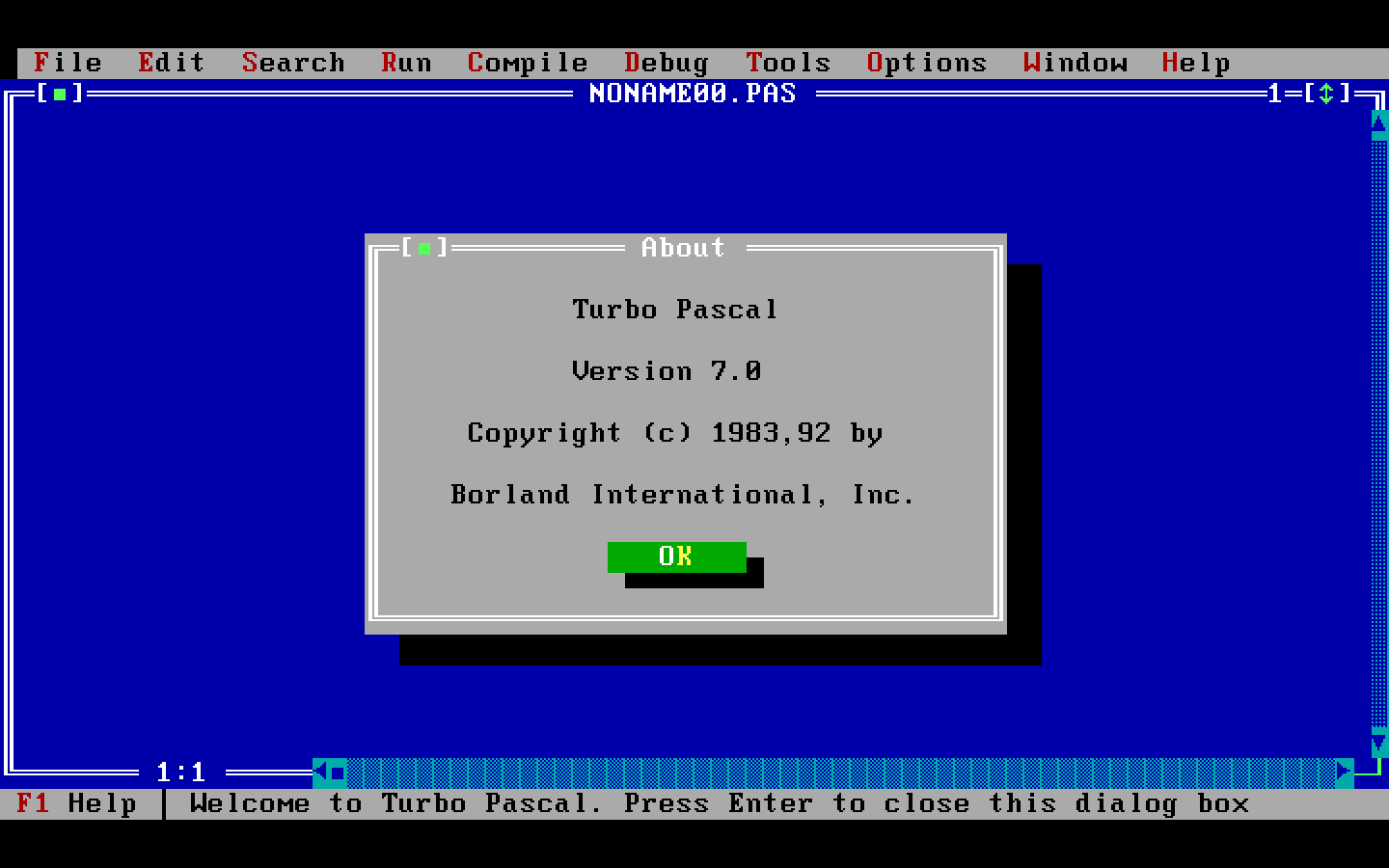
The first protected mode Turbo Pascal with Object Browser, Syntax Highlighting, Undo/Redo, Symbol Information

The first Microsoft Pascal with an IDE and OOP
--jeroen
via [Wayback/Archive] Downloads – Mike’s Lab.

 The Wiert Corner - irregular stream of stuff
Where My Delphi Life Began – via David Millington and Simon Stuart #DelphiWeek « The Wiert Corner – irregular stream of stuff said
[…] The really cool thing is that people still use Turbo Pascal: there is a even a nice VM with MS-DOS running Turbo Pascal. […]