Smart: [Wayback/Archive] Honghong Lu on Twitter: “Alcohol+paste flux = liquid flux It is pretty good, especially when I use to tin the cable with the solder pot.”
Archive for the ‘Soldering’ Category
Honghong Lu on Twitter: “Alcohol+paste flux = liquid flux It is pretty good, especially when I use to tin the cable with the solder pot.”
Posted by jpluimers on 2026/04/14

Posted in Development, Hardware Development, Soldering | Leave a Comment »
Do This Before You Solder Anything – YouTube
Posted by jpluimers on 2026/03/10

Soldering steps and common problems – Adafruit
These are nice references when you start to learn soldering:
- [Wayback/Archive] Do This Before You Solder Anything – YouTube
- [Wayback/Archive] NEW REFERENCE CARD: Soldering 101 « Adafruit Industries – Makers, hackers, artists, designers and engineers!
The right part of the image from Adafruit is an almost 10 year old one that is heavily copied without reference. With reference, it is at¹
Adafruit also has this great link: [Wayback/Archive] Common Soldering Problems | Adafruit Guide To Excellent Soldering | Adafruit Learning System
The video:
- Clean with isopropyl alcohol
- Before soldering
- After soldering
Do not use (in the USA popular) rubbing alcohol, as that is only 70% (and 30% water) alcohol by volume: use at least 90%
- Use a dispenser for alcohol to dose tiny bits
- Use a non-woven tissue (large areas) or swab (small areas) for cleaning
Share this:

Posted in Development, Hardware Development, Soldering | Leave a Comment »
The 20g and 50g mystery solder showdown – YouTube
Posted by jpluimers on 2026/02/27
- [Wayback/Archive] Testing AliExpress “mystery solder” – YouTube
- [Wayback/Archive] The 20g and 50g mystery solder showdown – YouTube
AliExpress aggressive acidic flux solder has remarkably heavy reels:
Total Reel Solder % Solder/Total 100 gram 67 gram 33 gram 33 % 51 gram 32 gram 19 gram 37 % 20 gram 10 gram 10 gram 50 %
--jeroen
Share this:
Posted in DIY, LifeHacker, Power User, Soldering | Leave a Comment »
NEW Universal USB Type C Mod to Restore your older devices! – YouTube
Posted by jpluimers on 2026/01/22
 Nice videos about USB-C receptacles replacement that might fit old mini-USB and sometimes micro-USB ones.
Before applying, check out the tables in USB hardware: Compatibilities – Wikipedia and the table I copied from USB hardware: connector dimensions – Wikipedia to ensure there is enough space to fit the USB-C receptacle in:
Share this:

Posted in Development, Hardware, Hardware Development, Power User, Soldering, USB, USB, USB-C | Leave a Comment »
The Miracle of Flux – YouTube
Posted by jpluimers on 2025/09/03
I see so many people not using flux while desoldering.
Flux works like magic: [Wayback/Archive] The Miracle of Flux – YouTube
This trick work like magic too: [Wayback/Archive] Soldering hacks Soldering 9 contacts at once with a soldering iron and how to use Desoldering wire – YouTube
--jeroen
Share this:
Posted in Development, Hardware Development, Soldering | Leave a Comment »
Dutch thread: improving a cheap T-962 reflow-oven to have more sensors, be earthed, and become more robust
Posted by jpluimers on 2023/06/13
Nice Dutch thread: [Archive] Dinsdale. – D💉ane Blijf thuis ⭕️ on Twitter: “Morgen een leuk projectje. Ik heb dit goedkope reflow-oventje. Heb uitgevogeld hoe ik de firmware kan flashen. De interface kan ik op Chinees of Engels zetten. Tevens heeft de nieuwe firmware meer mogelijkheden. ” / Twitter
It is similar to [Wayback/Archive] Improving The T-962 Reflow Oven | Hackaday.
Saved at [Wayback/Archive] Thread by @Dinsdal85174312 on Thread Reader App – Thread Reader App:
Share this:

Posted in Development, Hardware Development, Soldering | Leave a Comment »
Make your Pi Zero into an OTG USB stick: Pi Zero USB Stem – KIT-14526 – SparkFun Electronics
Posted by jpluimers on 2022/08/24
Cool: [Wayback/Archive.is] Pi Zero USB Stem – KIT-14526 – SparkFun Electronics
The Pi Zero USB Stem is a PCB kit that turns a Raspberry Pi Zero into a USB dongle. Once the Stem is installed, your Raspberry Pi can be plugged directly into a computer or USB hub without any additional cables or power supplies. The Raspberry Pi then acts as a USB device using its own Linux kernel gadget drivers to get started.
The Zero Stem is designed to be soldered directly to the USB SMD test pads on the bottom of the Raspberry Pi Zero, needing no wires or pogo pins at all, just solder and a soldering iron! Attaching the stem to your Pi also allows you to create a portable VNC server, or even cluster several Raspberry Pi Zeros with just a USB hub.
The Zero Stem is compatible with the Raspberry Pi Zero v1.3 and the Raspberry Pi Zero W v1.1, but unfortunately it is not compatible with the Raspberry Pi Zero v1.2 or any full-size Raspberry Pi due to their shapes and sizes.
Note: In order for your Pi Zero to function as a USB device with this Stem, you will need to configure it to act as one. You will be able to find these instructions in the Documentations tab under “How to OTG Fast“.
Related:
- [Wayback/Archive.is] Simple guide for setting up OTG modes on the Raspberry Pi Zero, the fast way! · GitHub
- [Wayback/Archive.is] Raspberry Pi Zero – Programming over USB! (Part 2) | Andrew’s blog
- [Wayback/Archive.is] cmdline.txt – Pastebin.com
Video below the signature or at [Wayback/Archive.is] Product Showcase: Pi Zero USB Stem – YouTube.
Via [Archive.is] Chris Bensen on Twitter: “Oh this is cool!”.
Related: RPIZ USB OTG Raspberry Pi Zero – Hi-Speed OTG-adapter and RPIZ USB ADAPTER Raspberry Pi Zero – Adapter van contact naar USB
Pictures:
Share this:

Posted in Development, Hardware Development, Raspberry Pi, Soldering | Leave a Comment »
MCH2022 badge sneak previews from tweeps that attended the Bitlair 20220709 Sweatshop (@MCH2022Camp)
Posted by jpluimers on 2022/07/10
The MCH2022 badge has an ESP32 (with WiFi!), a RP2040 and an FPGA next to a full colour TFT LCD, buttons (including joystick!), LEDs, LiPo battery, USB-C connector, micro SD-card slot and more (see below) and SHA2017 badge compatibility. How cool is that!
There is a wealth on information for this at [Wayback/Archive] Badge.team (some 22 repositories and counting: [Wayback/Archive] Badge.team: search for repositories containing mch2022).
Good starts are [Wayback/Archive] MCH2022 badge | BADGE.TEAM and [Wayback/Archive] Software Development | BADGE.TEAM (yes of course you can write your own software for it and even distribute it through the [Wayback/Archive] hatchery.badge.team Hatchery).
Below are lots of tweets including some of the Twitter retrospect that organically grew (just like the sweatschop event) on Twitter the day after.
From the original announcement [Wayback/Archive] May Contain Hackers 2022: Presenting: The MCH2022 badge! , this is what hardware is in it
Share this:

Posted in Development, ESP32, Hardware Development, Raspberry Pi, RP2040, Soldering | Leave a Comment »
NPoole/BeanCounter
Posted by jpluimers on 2022/05/04
[Wayback/Archive] NPoole/BeanCounter
A Simple, Affordable, Counter for Cut Tape and Partial Reels.
Soon it should become available on [Wayback/Archive] BeanCounter | Crowd Supply

Via [Wayback/Archive] 🌟Cyber City Circuits🌟 on Twitter: “Get hyped. “.
–jeroen
Share this:

Posted in Development, Hardware Development, LifeHacker, Power User, Soldering | Leave a Comment »
“This does not compute”: Mac SE/30 repair
Posted by jpluimers on 2021/09/21
A while ago, This does not compute had a few nice videos on a Mac SE/30 and it’s repair, including the recap process of replacing the electrolytic capacitors (or condensators in some other languages), and cleaning the board (some wash it with hot water and soap, others with isopropyl-alcohol, often called rubbing alcohol).
Note the simasimac can have many causes: bad capacitors in main board are the most common, but it can also be bad memory.
White lithium grease can make the floppy work again (see also [WayBack] Lithium soap – Wikipedia and [WayBack] Grease (lubricant) – Wikipedia).
He also added some links to which I added some quotes and WayBack links:
- [WayBack] Bringing a Zebra Stripe SE/30 Back to Life from simasimac
Bringing a Zebra Stripe SE/30 Back to Life, Paul Brierley, The ‘Book Beat, 2009.02.19. The Japanese call it Simasimac, the horizontal striped pattern that indicates your Mac is terminal.

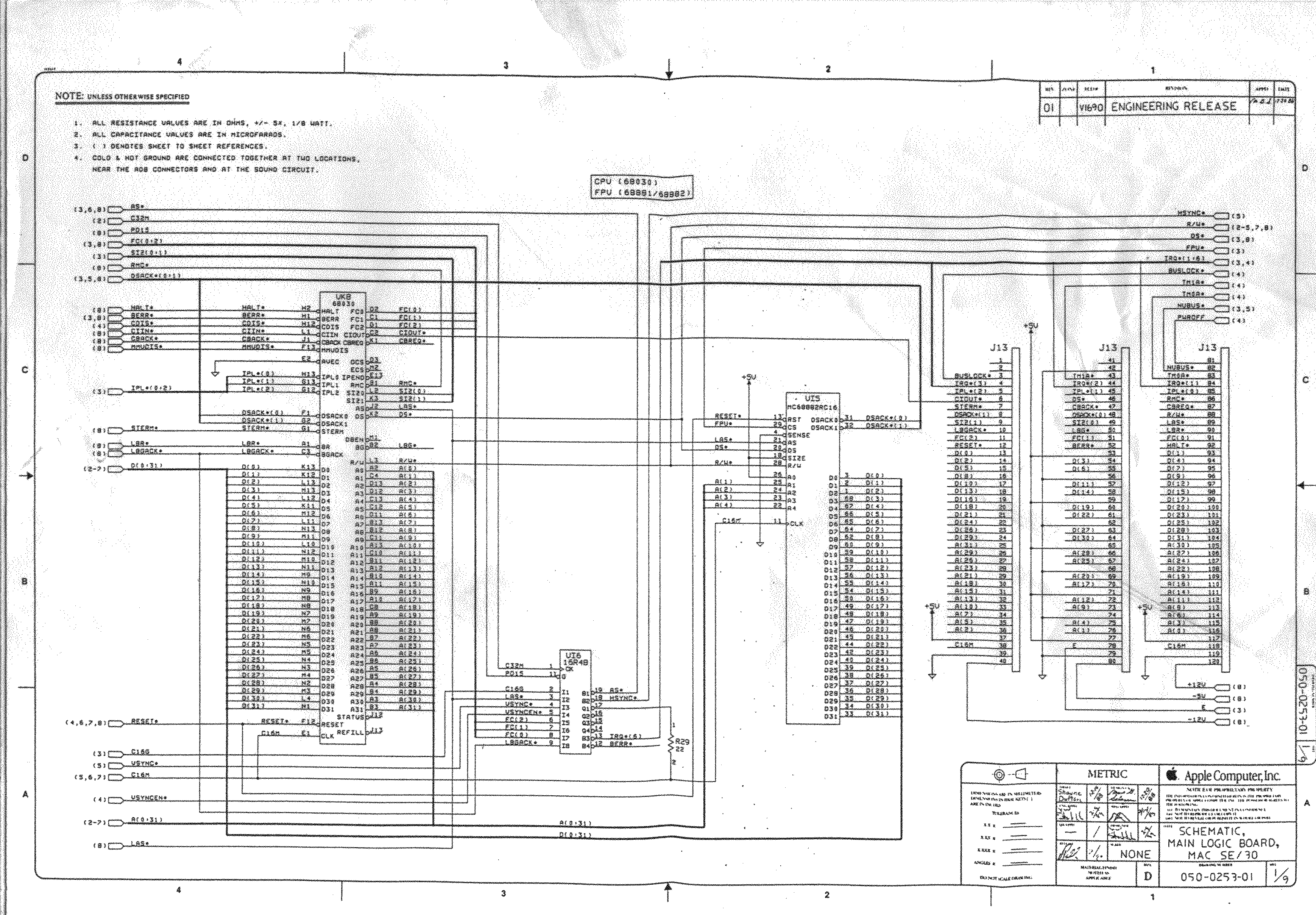
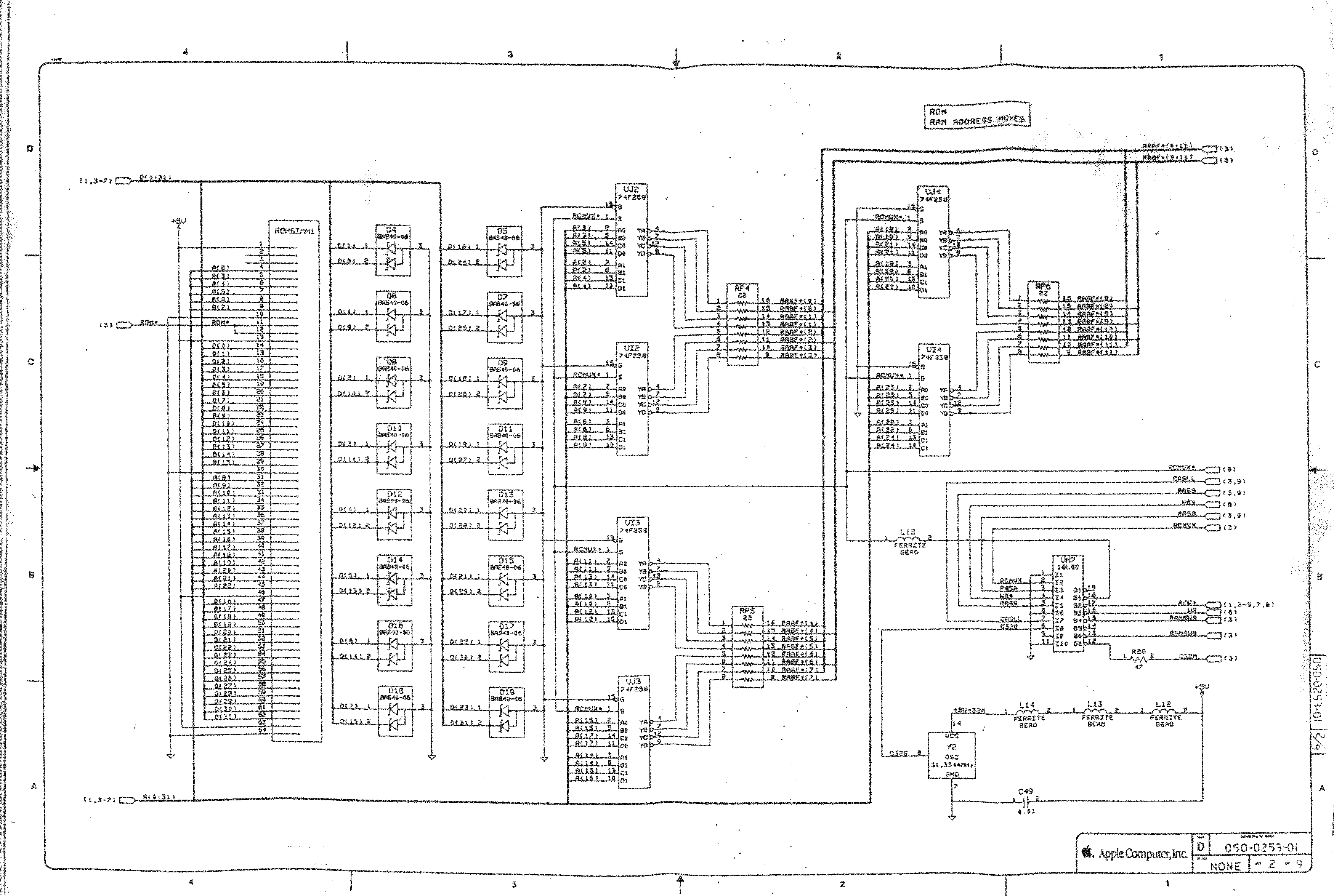
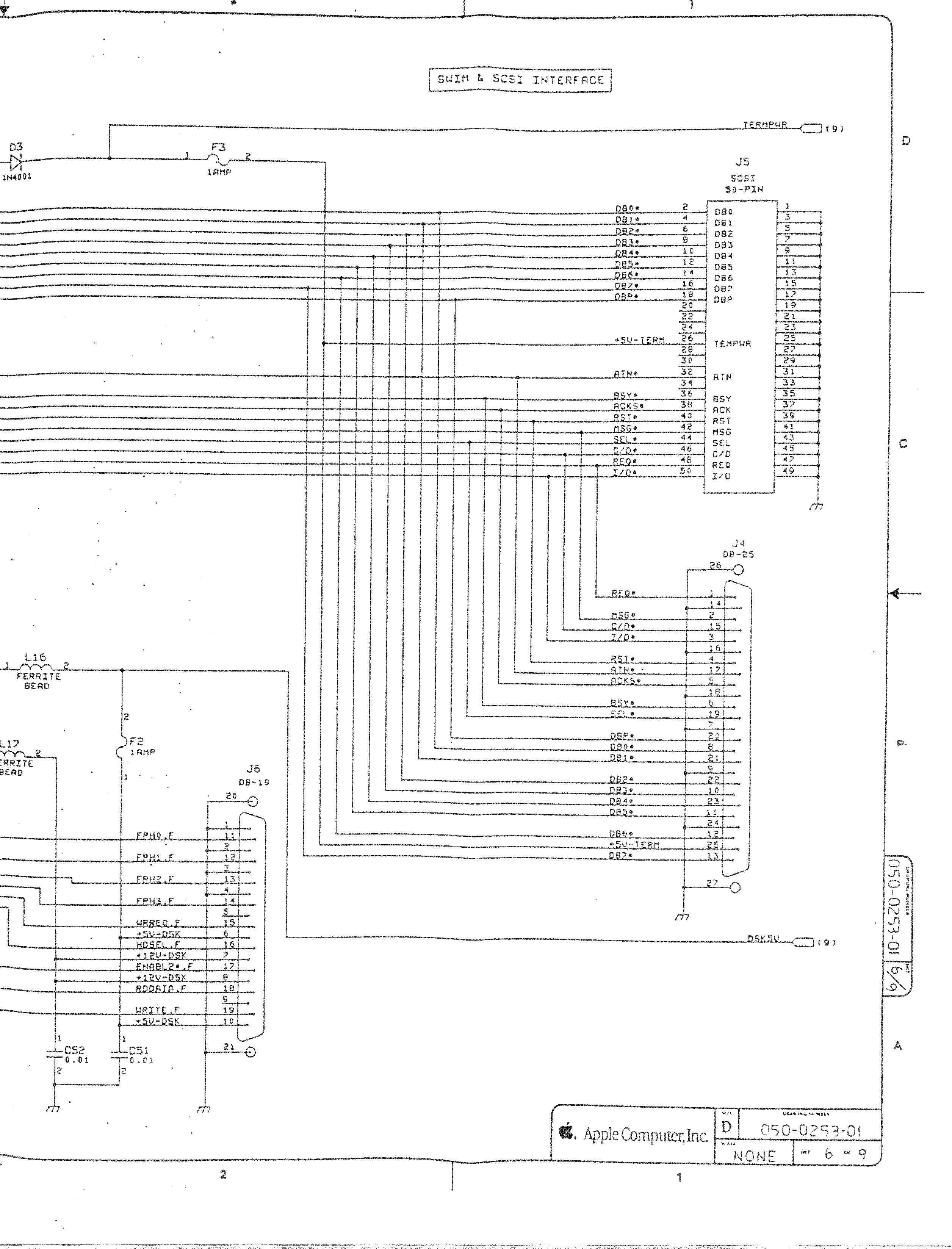
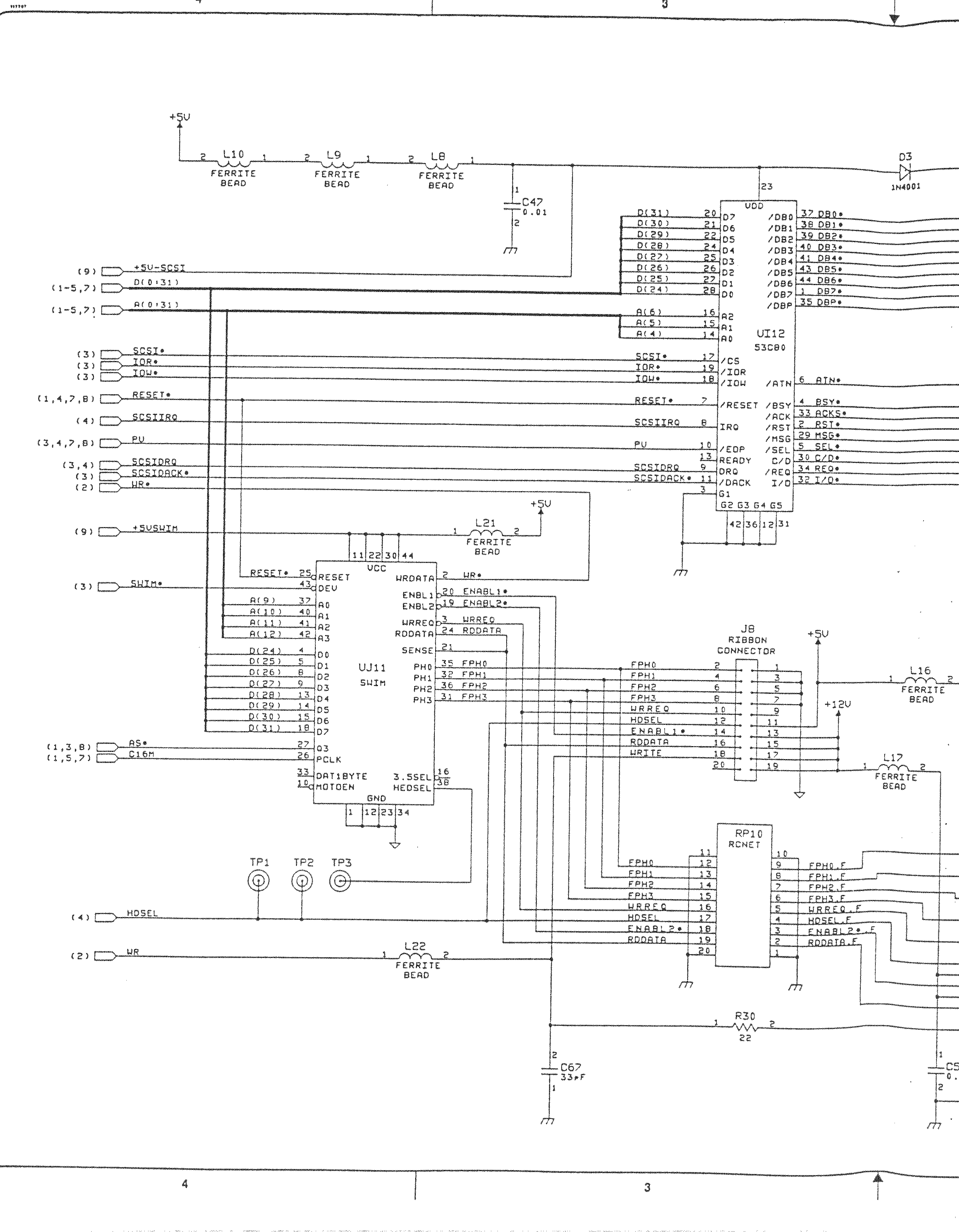
- [WayBack] Macintosh Schematics with many schematics including:
Macintosh SE/30 – IIcx (without NuBus)
- [WayBack] Page 1-> 68030, 68881/882, PDS
- [WayBack] Page 2-> ROM Simm, RAM Adr. Mux.
- [WayBack] Page 3-> GLUE Chip, RAM Simm
- [WayBack] Page 4-> VIA1, VIA2, RTC, ADB
- [WayBack] Page 5-> Video Interface
- [WayBack] Page 6-> SCSI, SWIM
- [WayBack] Page 6a-> SCSI, SWIM Page 2
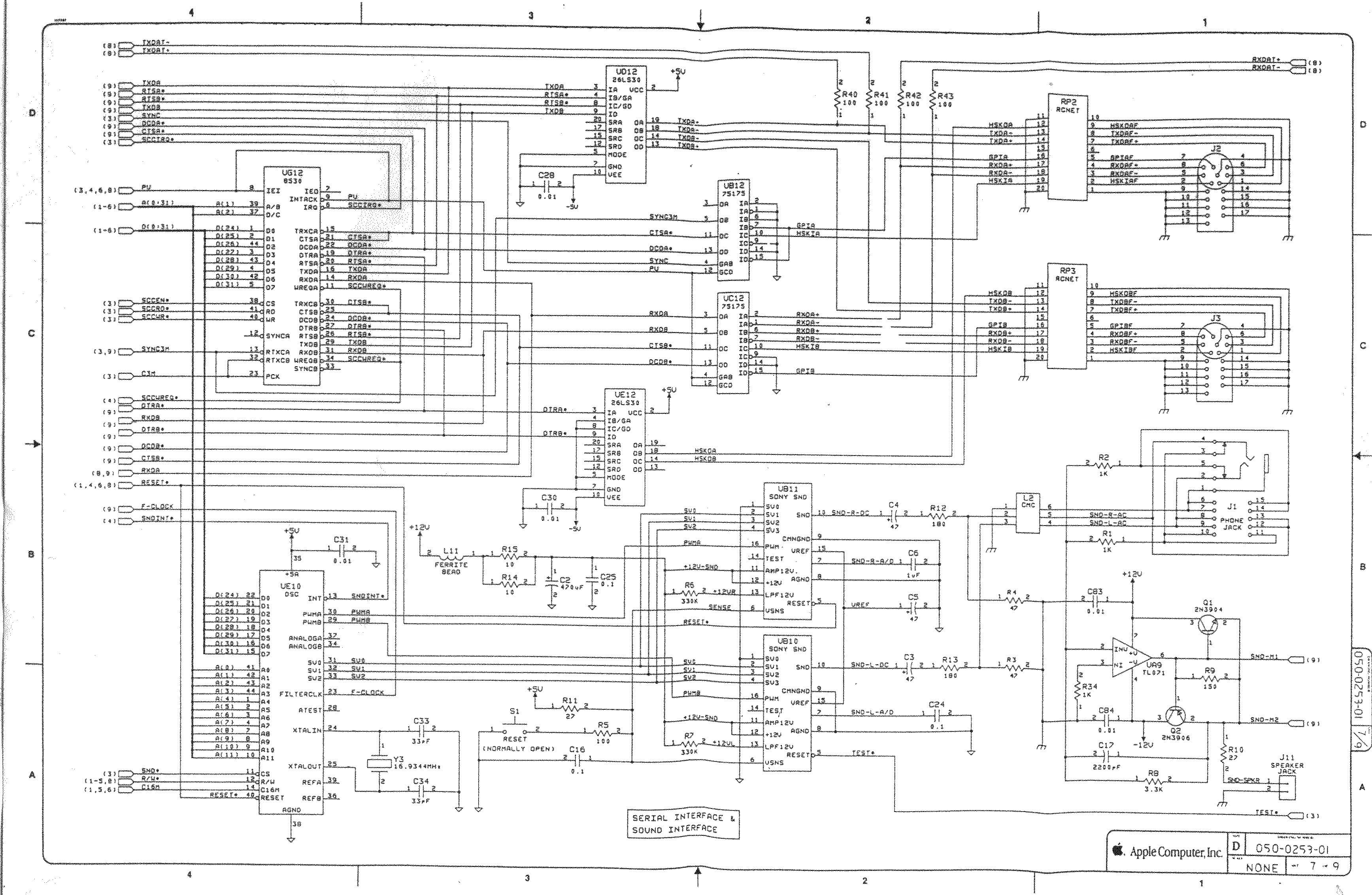
- [WayBack] Page 7-> RS422, ASC, SONY Snd
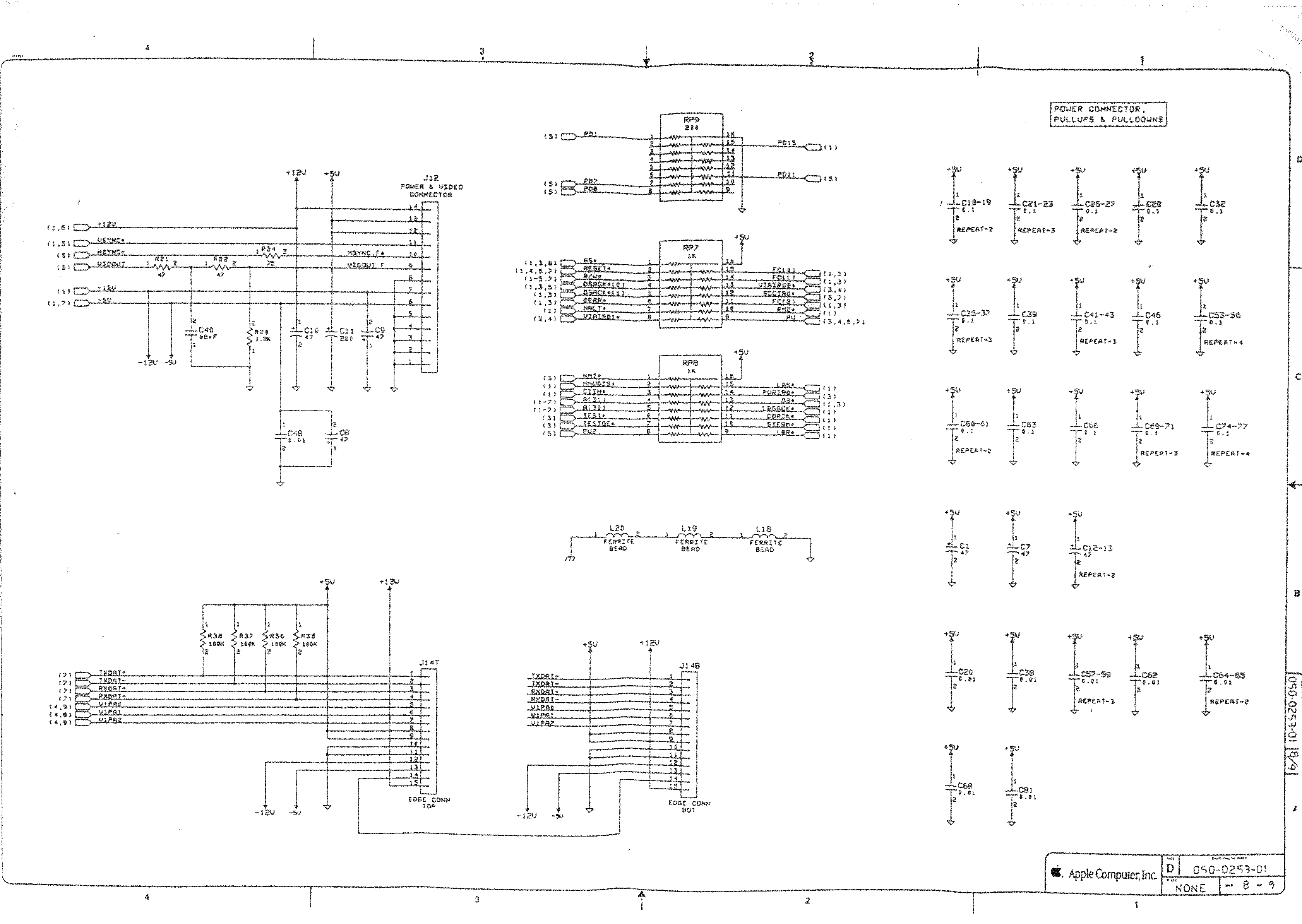
- [WayBack] Page 8-> Power Conn.,
- [WayBack] Mac SE/30 | Low End Mac
- [WayBack] Mac ROM-inator II | Big Mess o’ Wires
The Mac ROM-inator II replaces the stock Macintosh ROM SIMM with a custom flash memory module. Add a bootable ROM disk, make your system 32-bit clean, gain HD20 hard disk support, and more. The Mac ROM-inator II supports the Macintosh SE/30, IIx, IIcx, IIci, IIfx, and IIsi.
The Mac ROM-inator II is fully assembled and ready to use. Just plug it in and go.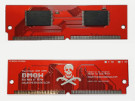 Mac ROM-inator II Atom, $42
2 MB SIMM pre-programmed with ROM Disk with System 7.1, HDSC Setup, ResEdit, and SCSI Probe. Compatible with Mac SE/30, IIx, IIcx, IIci, IIfx, IIsi. More InfoThe Mac ROM-inator II is great for breathing new life into your old SE/30 or II-series Macintosh. The ROM disk provides fast and convenient boot-ups and a collection of disk utility programs, and customized startup sounds and icons add a touch of fun. The ROM SIMM comes pre-programmed with a BMOW-made custom ROM containing the following changes:
- ROM disk provides a diskless booting option
- HD20 hard disk support built-in
- 32-bit clean – allows use of System 7.6+ and more than 8MB RAM
- Memory test is disabled for faster booting on 16MB+ systems
- Customized startup chime – major 9th arpeggio
- Happy Mac icon is replaced by a color smiling “pirate” Mac
- New startup menu screen displays installed RAM, addressing mode, and ROM disk details
The ROM-inator II is based on Doug Brown’s earlier [WayBack] Mac ROM SIMM design, used with permission.
- [WayBack] Retr0Bright (or RetroBright) treated plastics re-yellowing even with minimal light exposure?
- [WayBack] Forums – 68kMLA Forums
- [WayBack] Macintosh SE/30
Macintosh SE/30

The SE/30 is probably the most popular candidate for recapping. Unfortunately, it’s also one of the more difficult to revive as the leaked electrolyte easily damages traces and vias on these boards. Be sure to wash these boards very well and inspect closely for broken or rotten traces.
Capacitor List:
10 – 47µf – 16V – SMT
1 – 220µf – 16V – Axial
1 – 470µf – 16V – Axial
1 – 1µf – 50V – SMT
Click on the photo for a larger view

Notes
Desolder can be tricky, especially for surface mount. This helps:
- Add some fresh 60/40 solder to the joints with a solder gun (as modern solder is lead free, whereas past solder contained lead)
- Carefully heat up the component and surrounding area with a heat-gun
Choosing capacitors:
- You can always go up in the voltage and capacitance
- Prefer [WayBack] tantalium electrolytic capacitors over traditional aluminium electrolytic capacitors (see [WayBack] Tantalum capacitor – Wikipedia and [WayBack] Aluminum electrolytic capacitor – Wikipedia)
Soldering: always add some fresh solder on the pads before soldering surface mount (SMD) capacitors.
–jeroen
Share this:

Posted in 68k, Apple, Classic Macintosh, Development, Hardware Development, History, Macintosh SE/30, Power User, Soldering | Leave a Comment »
 The Wiert Corner - irregular stream of stuff