Memories of the Apple ][ and //e past, though I won’t participate (my eye hand coordination is mediocre at best, so even completing a game will be a challenge:
For the moment it is down because Elon blew up Twitter and shut down on 2022-11-05, but hopefully – like the BBC equivalent – it will resurface on a Mastodon instance somewhere in the future.
Luckily all old Tweets with code and rendering are still there, though you need a Twitter account to view them: Elon broke the feature of anonymous access seeing all messages in a thread.
Below the signature are the full Tweets that led me into it; the texts are these:
Apple Computer’s Super Serial Card, sometimes abbreviated as “SSC”, is the most well known communication card made for the Apple II. Apple called it “Super” because it was able to function as both of Apple’s previous cards, the Apple II Communications Card for modem use and the Apple II Serial Interface Card for printer use. A jumper block was used to configure the card for each of the two modes. The card has a maximum speed of 19,200 bit/s and is compatible with both ROM revisions of the Apple II Serial Interface Card. Reliable communications at 9600 bit/s and higher required disabling of interrupts. The card can actually run at 115,200 bit/s as well, using undocumented register settings; but speeds between 19,200 and 115,200 are not possible using this technique. The Super Serial Card was released in 1981 and utilizes the MOS Technology 6551 ACIA serial communications chip.
I have played that way too much in my Apple ][ and //e days.
Hopefully I won’t be addicted to it as back in those days.
Just watching the demo mode is soooooo cool!
I remember designing my own lievens, then winning from the local Apple shop (Vlasveld Computers, which also had a country wide Apple magazine). Cool days!
[WayBack] GitHub – dschmenk/apple2pi: Apple II client/server for Raspberry Pi: hybrid computer of a Raspberry Pi inside an Apple II (either ][, or ][+, or //e) so the Apple II can be a front-end to the Raspberry Pi which then can run an Apple IIGS emulator, talk to the Apple II storage hardware and much more.
Why did you choose to start aggressively de-protecting, archiving and re-distributing Apple II software? It’s tempting to rewrite history and give myself some noble purpose for starting this hobby, but in this case the truth [more…]
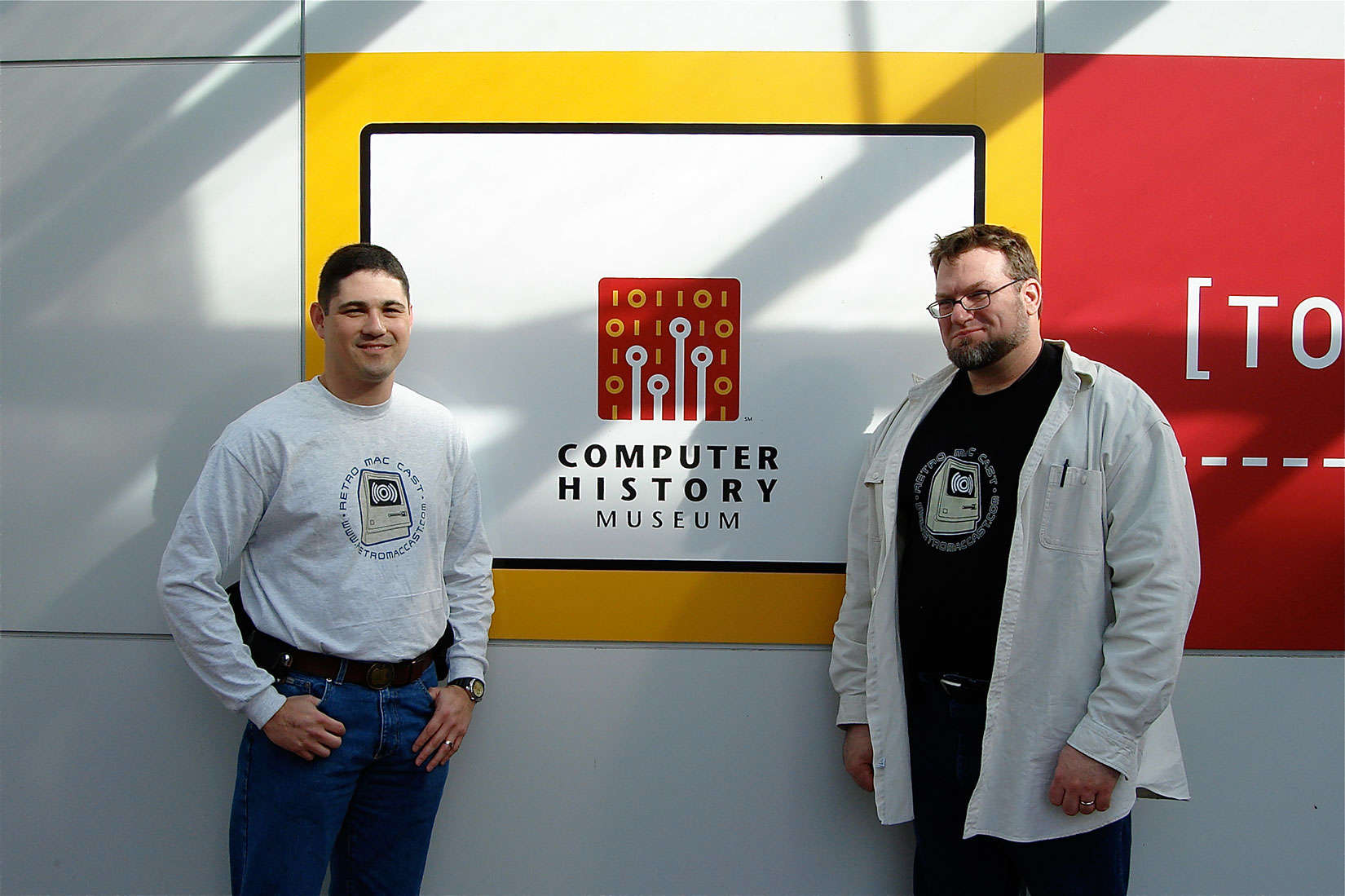
Around this time, episode 500 of RetroMacCast should be out.
It’s an “about weekly” podcast centered around classic Apple computers, mainly of the Macintosh kind but occasionally also on the Apple I, ][, //e, //c and ///, IIgs and Lisa kinds.
After all these years since they started in 2006, It’s still fun to listen to.
Occasionally they do a vodcast on YouTube, for instance their 100th show below.
Apple II Ethernet Module – This product is based on the Wiznet W5100 chip. It has an embedded hardware IP stack. Contiki, IP65, Marinetti and ADTPro have been updated to work with the new card.
We will be using Itead as our current PCB supplier.
The card will be assembled by Circuits Central
This month on Open Apple, we sit down with Glenda Adams, better known on the Apple II as The Atom. She was a cracker of some note back in the 1980s, and she shares great stories with us…



 Reminder to self: see if I can order this:
 The Wiert Corner - irregular stream of stuff