After researching the below tweet, I found out that many LG monitors have this limitation on downstream ports, depending on how the upstream USB-C port is connected:
Their manuals phrase it like this:
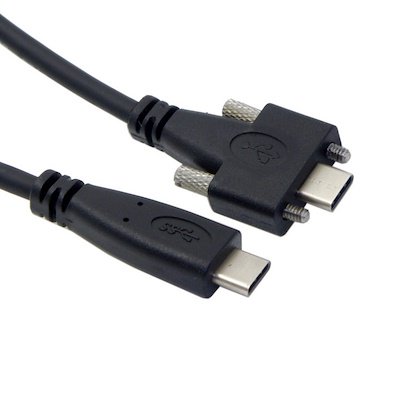
- When the USB C-C cable is connected between Upstream port of monitor and Host PC, the Downstream port of
monitor support USB 2.0 device.
- When the USB C-A cable is connected between Upstream port of monitor and Host PC, the Downstream port of
monitor support USB 3.0 device.
However, Host PC must support USB 3.0 function.
This means that in USB C-C land (for which Apple was basically a driving force, but nowadays many laptops only have USB-C connections) your monitor downstream ports are limited to USB 2.0.
If I read the various comments correctly, the additional limitation is that in the USB C-C case, the downstream ports are non-powered.
Which means I will avoid LG monitors at all cost.
Tweet: [Wayback/Archive] anna (arar) meow 𓃠 on X: “i have this monitor connected to my mac with a single USB C-C cable. why can’t i have USB 3.0 speeds on the downstream ports??? why does it work with the USB C-A cable?? is there a way around it? or is there just not enough bandwith for both video and these silly ports?”
Read the rest of this entry »


 Nice videos about USB-C receptacles replacement that might fit old mini-USB and sometimes micro-USB ones.


 Cool: [




 The Wiert Corner - irregular stream of stuff