I tried the trick from [WayBack] Forcing the queue on individual email message. Despite what the linked post says, on my system, the email is not sent, but bounces, and the queue files get lost, so there is no way to get to the original content without a proper back-up mechanism (which – for transient data like queued email messages – often is not implemented).
The reason is the -oTnow parameter. It is kind of documented, but none of that is returned via the “sendmail” “-oTnow” – Google Search.
Before explaining the cause and workaround deeper, these are the relevant documentation parts:
I could not find the 8.15 operations guide as PDF, but the version 8.12 HTML edition is mostly the same as the PDF (Despite the time span between those releases spanning 14 years, parameters and configuration options didn’t change a whole lot), so as the HTML is easier to quote, here we go:
The arguments; -q, -o versus -O options
[WayBack] www.sendmail.org/~ca/email/doc8.12/op-sh-7.html “ACKNOWLEDGEMENTS” explains the basic arguments as well:
Arguments must be presented with flags before addresses. The flags are:
…
- -oxvalue
- Set option x to the specified value. These options are described in Section 5.6.
- -Ooption=value
- Set option to the specified value (for long form option names). These options are described in Section 5.6.
…
- -q[!]Xstring
- Run the queue once, limiting the jobs to those matching Xstring. The key letter X can be I to limit based on queue identifier, R to limit based on recipient, or S to limit based on sender. A particular queued job is accepted if one of the corresponding addresses contains the indicated string. The optional ! character negates the condition tested. Multiple -qX flags are permitted, with items with the same key letter or'ed together, and items with different key letters and'ed together.
[WayBack] www.sendmail.org/~ca/email/doc8.12/op-sh-5.html “THE WHOLE SCOOP ON THE CONFIGURATION FILE” goes into more detail:
O — Set Option
There are a number of global options that can be set from a configuration file. Options are represented by full words; some are also representable as single characters for back compatibility. The syntax of this line is:
- O option = value
This sets option option to be value. Note that there must be a space between the letter `O’ and the name of the option. An older version is:
- O ovalue
where the option o is a single character. Depending on the option, value may be a string, an integer, a boolean (with legal values t, T, f, or F; the default is TRUE), or a time interval.
then lists the relevant options for us:
- QueueTimeout=timeout
- [T] A synonym for Timeout.queuereturn. Use that form instead of the QueueTimeout form.
…
- Timeout.type=timeout
- [r; subsumes old T option as well] Set timeout values. For more information, see section
The -oT parameter, or T option sets timeouts
[WayBack] www.sendmail.org/~ca/email/doc8.12/op-sh-4.html “TUNING” has a whole section on
Timeouts
All time intervals are set using a scaled syntax. For example, 10m represents ten minutes, whereas 2h30m represents two and a half hours. The full set of scales is:
- s seconds
m minutes
h hours
d days
w weeks
There is also a special timeout value now, and timeouts can be defined in various levels, including message timeouts:
Message timeouts
After sitting in the queue for a few days, an undeliverable message will time out. This is to insure that at least the sender is aware of the inability to send a message. The timeout is typically set to five days. It is sometimes considered convenient to also send a warning message if the message is in the queue longer than a few hours (assuming you normally have good connectivity; if your messages normally took several hours to send you wouldn’t want to do this because it wouldn’t be an unusual event). These timeouts are set using the Timeout.queuereturn and Timeout.queuewarn options in the configuration file (previously both were set using the T option).
If the message is submitted using the NOTIFY SMTP extension, warning messages will only be sent if NOTIFY=DELAY is specified. The queuereturn and queuewarn timeouts can be further qualified with a tag based on the Precedence: field in the message; they must be one of urgent (indicating a positive non-zero precedence) normal (indicating a zero precedence), or non-urgent (indicating negative precedences). For example, setting Timeout.queuewarn.urgent=1h sets the warning timeout for urgent messages only to one hour. The default if no precedence is indicated is to set the timeout for all precedences. The value “now” can be used for -O Timeout.queuereturn to return entries immediately during a queue run, e.g., to bounce messages independent of their time in the queue.
Since these options are global, and since you cannot know a priori how long another host outside your domain will be down, a five day timeout is recommended. This allows a recipient to fix the problem even if it occurs at the beginning of a long weekend. RFC 1123 section 5.3.1.1 says that this parameter should be “at least 4-5 days”.
The Timeout.queuewarn value can be piggybacked on the T option by indicating a time after which a warning message should be sent; the two timeouts are separated by a slash. For example, the line
- OT5d/4h
causes email to fail after five days, but a warning message will be sent after four hours. This should be large enough that the message will have been tried several times.
So the -oT is the T option, which is shorthand for -oTimeout.queuereturn. (well, actually you can combine Timeout.queuewarn using a slash).
Specifying now gives you this behaviour: The value “now” can be used for -O Timeout.queuereturn to return entries immediately during a queue run, e.g., to bounce messages independent of their time in the queue.
Of course that bounces, invalidating the below -oTnow trick.
The -qI parameter, or I queue flag for message identifier
You can also limit the jobs to those with a particular queue identifier, recipient, sender, or queue group using one of the queue modifiers. For example, -qRberkeley restricts the queue run to jobs that have the string berkeley somewhere in one of the recipient addresses. Similarly, -qSstring limits the run to particular senders, -qIstring limits it to particular queue identifiers, and -qGstring limits it to a particular queue group. You may also place an ! before the I or R or S to indicate that jobs are limited to not including a particular queue identifier, recipient or sender. For example, -q!Rseattle limits the queue run to jobs that do not have the stringseattle somewhere in one of the recipient addresses. Should you need to terminate the queue jobs currently active then a SIGTERM to the parent of the process (or processes) will cleanly stop the jobs.
So the -qI flag followed by an identifier only processes that message.
Sending to a host that got marked as timeout: the Timeout.hoststatus option
When sending just one message, you definitely want to disregard any cached host timeout status: you want to retry the message now, not skip it just because the host had a timeout a while ago.
This is where the -OTimeout.hoststatus=0m comes in: it sets the cache to zero minutes.
Below are the relevant bits of documentation.
[WayBack] cf/m4/README.txt:
confTO_HOSTSTATUS  Timeout.hoststatus
                    [30m] How long information about host
                    statuses will be maintained before it
                    is considered stale and the host should
                    be retried.  This applies both within
                    a single queue run and to persistent
                    information (see below).
...
confHOST_STATUS_DIRECTORY HostStatusDirectory
                    [undefined] If set, host status is kept
                    on disk between sendmail runs in the
                    named directory tree.  This need not be
                    a full pathname, in which case it is
                    interpreted relative to the queue
                    directory.
[WayBack] chapter 4 “TUNING”
Read timeouts
Timeouts all have option names Timeout.suboption. Most of these control SMTP operations. The recognized suboptions, their default values, and the minimum values allowed by RFC 2821 section 4.5.3.2 (or RFC 1123 section 5.3.2) are:
- …
- hoststatus
- How long status information about a host (e.g., host down) will be cached before it is considered stale [30m, unspecified].
- …
A trick that really works
With the above information,
sendmail -v -OTimeout.hoststatus=0m -qImessage_identifier
So it is now a bash function for me: sendmail-retry-one-messae-by-queue-ID:
function sendmail-retry-one-messae-by-queue-ID() {
  sendmail -v -OTimeout.hoststatus=0m -qI$1
}
Back to the original “trick” (that makes you loose the message)
I made it into a function:
function sendmail-bounce-one-message-by-queue-ID() {
  sendmail -oTnow -qI$1
}
From [WayBack] Forcing the queue on individual email message:
comp.mail.sendmail
Paul Aviles wrote:
> I know about sendmail -q, but is is possible to individually kill a
> pending queued email or force it with or without an NDA?
This is simple. Use the mailq command to find the local queue ID of the message. It will look something like:
k5PBASdd010482
You can then flush the message with:
sendmail -qIyourqueueID -oTnow
The “I” flag to the -q flag specifies which queue ID to use. The -oTnow flag sets the queue timeout to “now”. Note sendmail will still try to deliver the message once when you do this. If this is not OK, then blow the message away with:
rm /var/spool/mqueue/*yourqueueID
But the timeout is much recommended over blowing the message away.
Just another “Harker’s Helpful Hints”
RLH
–jeroen


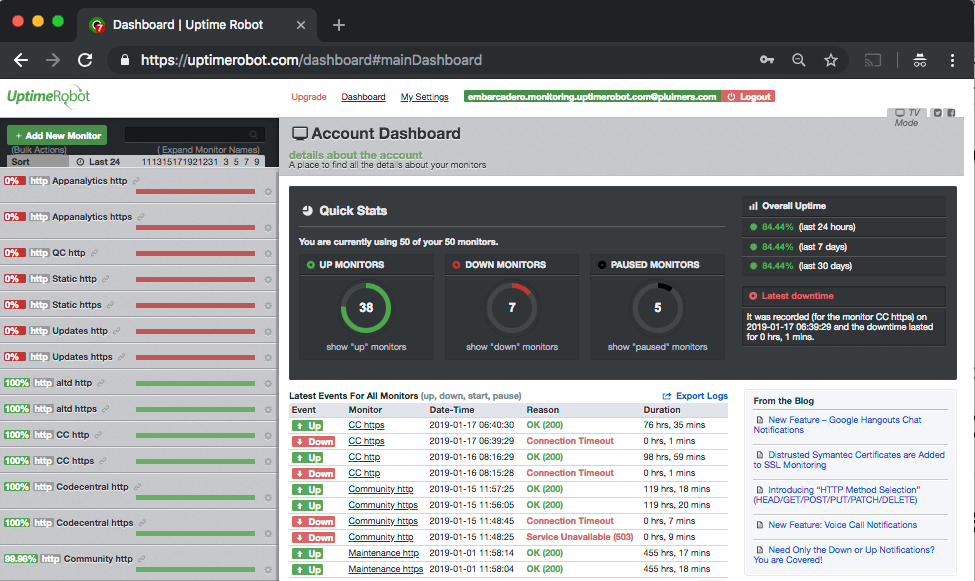
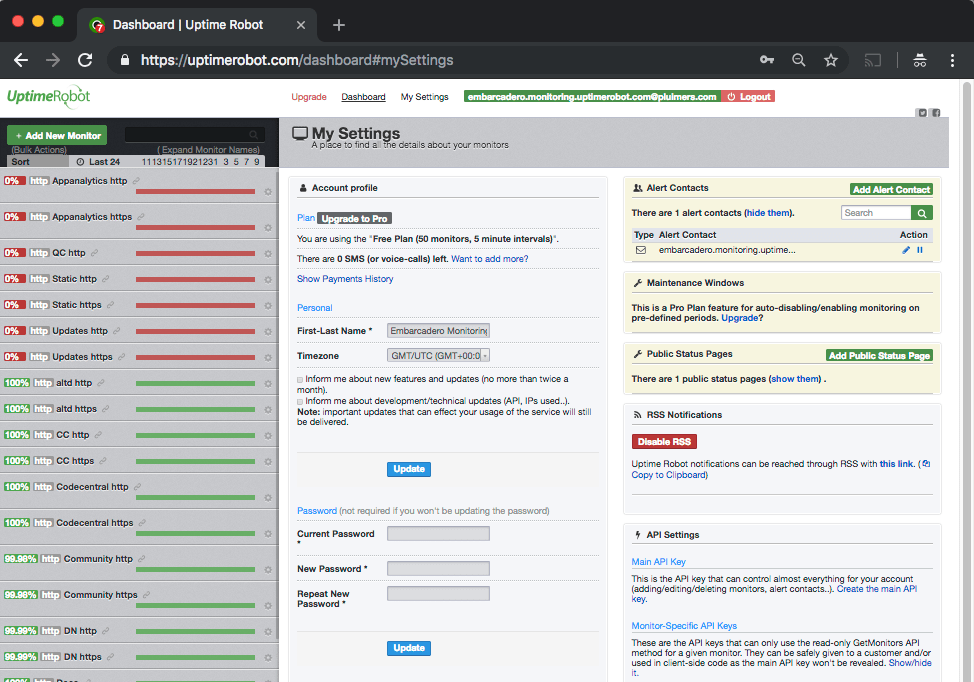
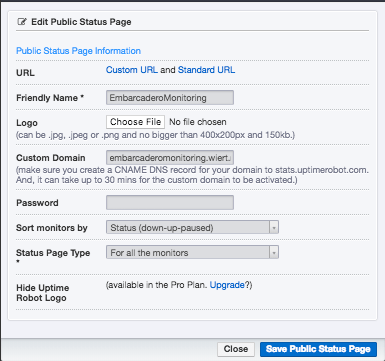
 Below a few screenshots on how to bind your own subdomain to a set of uptimerobot monitors.









 The Wiert Corner - irregular stream of stuff