Archive for the ‘Apple’ Category
Posted by jpluimers on 2017/04/11
In order to scan some local networks for unknown hosts (yes, on some sites you need to perform archeology), I needed the local IPv4 addresses, netmasks and CIDRs on my Mac running OS X.
Part of that is using ifconfig to get local inet information which however uses hexadecimal network masks and delivers no CIDRs.
SoI was a bit premature when I wrote about “This could be done by creating bash functions mask2cdr and cdr2mask, but that’s a bit too convoluted right now” in Getting the IP addresses of gmail MX servers – via Super User – dig isn’t enough.
netmask to CIDR and CIDR to netmask conversion
I need mask2cdr now, so lets start with these two bash functions and their aliases:
Read the rest of this entry »
Posted in *nix, *nix-tools, Apple, bash, Development, Mac OS X / OS X / MacOS, OS X 10.10 Yosemite, OS X 10.11 El Capitan, OS X 10.9 Mavericks, Power User, Scripting, Software Development | Leave a Comment »
Posted by jpluimers on 2017/04/03
I always forget which OS X versions there are and which names they use.
So via: OS X – Wikipedia, the free encyclopedia, I made this list where the first item points to the table in the above article and each subsequent item to the individual article on the version. I tried to find EOL dates, but that’s hard despite the overview at Apple security updates – Apple Support:
None of this would be noteworthy if Apple, like Microsoft and a host of other major software vendors, clearly spelled out its support policies. But Apple doesn’t, leaving users to guess about when their operating systems will fall off support. | Computerworld
- Versions (the table with Version/Codename/Processor support/Application support/Kernel/Date announced/Release date/Most recent version)
–jeroen
PS: EOL dates are as of 20160403.
Posted in Apple, Mac OS X / OS X / MacOS, Mac OS X 10.4 Tiger, Mac OS X 10.5 Leopard, Mac OS X 10.6 Snow Leopard, Mac OS X 10.7 Lion, OS X 10.10 Yosemite, OS X 10.11 El Capitan, OS X 10.8 Mountain Lion, OS X 10.9 Mavericks, Power User | 1 Comment »
Posted by jpluimers on 2017/04/03
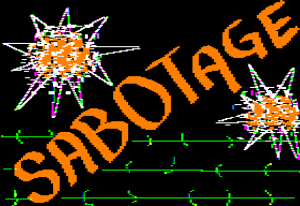 Conditions are very, very good right now for easy, top-quality, final ingestion of original commercial Apple II Software and if you know people sitting on a pile of it or even if you have a small handful of boxes, please get in touch with me to arrange the disks to be imaged. apple@textfiles.com.
For example, piles and piles of educational software has returned from potential oblivion, because it’s about the preservation, not the title. Wonderfully done works are being brought back to life and are playable on the Internet Archive.
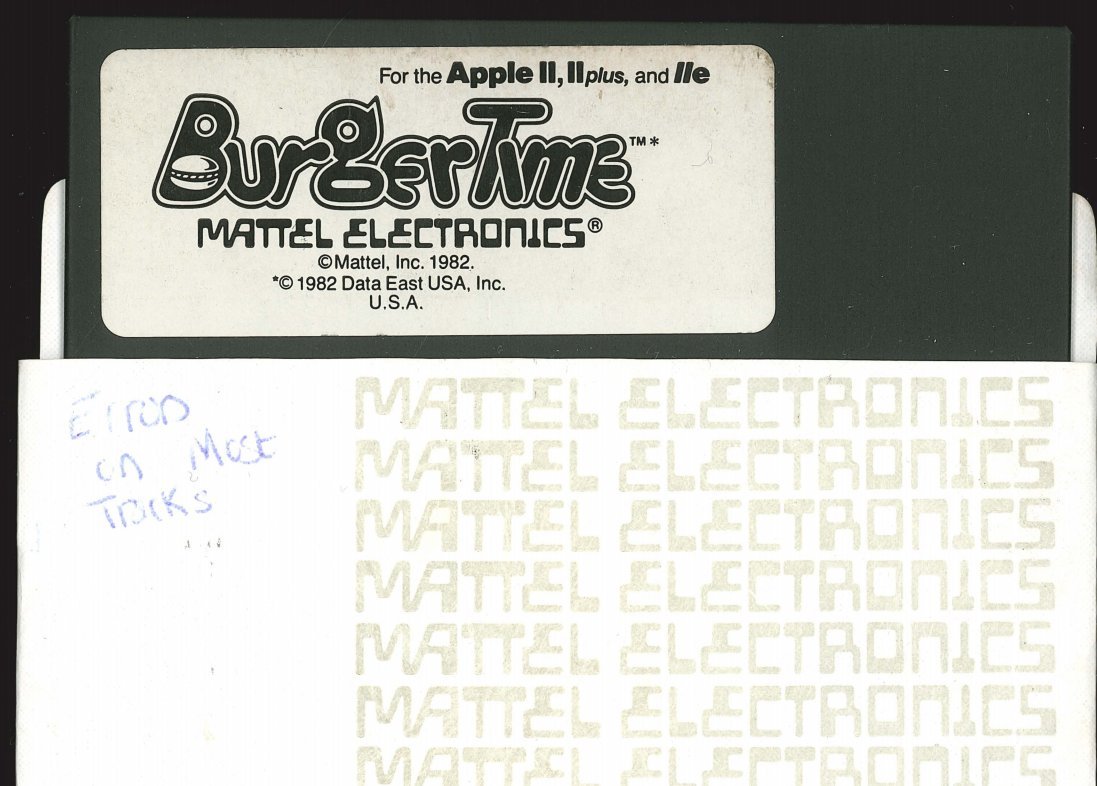 In other words: if you have or know someone who has disks with original, uncracked software that cannot be copied easily, let the team at the WayBack machine know as they have the resources that can help preserve that software.
–jeroen
Source: [WayBack] Please Help Us Track Down Apple II Collections « ASCII by Jason Scott
Posted in //e, 6502, Apple, Apple ][, History, Power User | Leave a Comment »
Posted by jpluimers on 2017/03/31
In addition to my post about Mac OS X: restarting Google Drive when it shows a spinning wheel, restarting a hanging Tunnelblick is even easier:
killall Tunnelblick

open -a Tunnelblick
–jeroen
Posted in Apple, bash, Development, iMac, Mac, Mac OS X / OS X / MacOS, MacBook, MacBook Retina, MacBook-Air, MacBook-Pro, MacMini, OS X 10.10 Yosemite, OS X 10.11 El Capitan, OS X 10.9 Mavericks, Power User, Scripting, Software Development | Leave a Comment »
Posted by jpluimers on 2017/03/30
Some links that helped me getting FTDI USB serial communication to Raspberry Pi systems going:
–jeroen
Posted in Apple, Communications Development, Development, Hardware Development, Hardware Interfacing, iMac, Legacy Ports: COM, Mac, Mac OS X / OS X / MacOS, MacBook, MacBook Retina, MacBook-Air, MacBook-Pro, MacMini, OS X 10.10 Yosemite, OS X 10.9 Mavericks, Power User, Raspberry Pi, USB | Leave a Comment »
Posted by jpluimers on 2017/03/29
 Every now and then, Google Drive on Mac OS X gets confused and starts showing the spinning wheel when hovering over the menu bar icon similar to for instance DropBox does every once in a while.
This is how to terminate and restart Google Drive from the terminal (no need for su):
killall -v -SIGKILL Google\ Drive

open -a Google\ Drive
Alternatively you can start Google Drive using this:
/Applications/Google\ Drive.app/Contents/MacOS/Google\ Drive &
I found this executable through osx – Find all executable files within a folder in terminal – Ask Different
Note that this won’t kill Google Drive as it sends the TERM signal (SIGTERM):
killall -v Google\ Drive
–jeroen
Posted in Apple, bash, Development, Google, GoogleDrive, iMac, Mac, Mac OS X / OS X / MacOS, MacBook, MacBook Retina, MacBook-Air, MacBook-Pro, MacMini, OS X 10.10 Yosemite, OS X 10.11 El Capitan, OS X 10.8 Mountain Lion, OS X 10.9 Mavericks, Power User, Scripting, Software Development | 1 Comment »
Posted by jpluimers on 2017/03/20
Explains how to find out top 10 files and directories under Unix / Linux using sort and du command in human-readable format.
Interesting, especially
alias 'ducks=du -cks * | sort -rn | head'
Source: How Do I Find The Largest Top 10 Files and Directories On a Linux / UNIX / BSD?
via: Joe C. Hecht and nixCraft.
–jeroen
Posted in *nix, *nix-tools, Apple, BSD, Linux, Mac, Mac OS X / OS X / MacOS, Power User | Leave a Comment »
Posted by jpluimers on 2017/03/15
One day I write some scripts based on:
Some starting materials are at:
A thing I learned is that the Microsoft Remote Desktop 8 is basically a rebranded iTap RDP (it looks like Microsoft bought iTap RDP for Mac, as iTap RDP for Mac is now discontinued)
–jeroen
Posted in Apple, Development, Mac OS X / OS X / MacOS, OS X 10.10 Yosemite, OS X 10.11 El Capitan, OS X 10.8 Mountain Lion, OS X 10.9 Mavericks, Power User, Remote Desktop Protocol/MSTSC/Terminal Services, Scripting, Software Development, Windows, XML, XML/XSD | Leave a Comment »
Posted by jpluimers on 2017/03/03

Apple TV needs iTunes
A while ago, my model A1469 3rd generation Apple TV had a slowly blinking white light but nothing displayed over HDMI any more, so I searched for Apple TV slow blinking white and
Reading Restoring your Apple TV (when its white light is flashing) | Comics and gadgets, I opted for the first option: a soft-restart of the Apple TV. To do that you have to press menu+down on the Apple Remote at the same time for 5+ seconds, then wait for the Apple TV to restart. That initially did show an image over HDMI which later disappeared. I didn’t get the image at first as I thought it was looking for iTunes media over USB (like from an iPhone or iPad), so I waited for a time-out to occur.
After a while that image disappeared and the Apple TV white LED started rapidly flashing. Not good.
Later I found the image was portraying a USB cable not having a connection to an iTunes logo and some dark grey text on a black background pointing to support.apple.com/appletv/restore.
I didn’t see that at first as the room was a bit brightly lit since we had a lot of sun that day so this non-descriptive image with grey on black UX worked really well.
Conclusion: I had to restore the Apple TV which I thought would be straight-forward as it had been connected to my iCloud account.
Read the rest of this entry »
Posted in Apple, Apple TV, iOS, Keyboards and Keyboard Shortcuts, Power User | Leave a Comment »
Posted by jpluimers on 2017/02/27
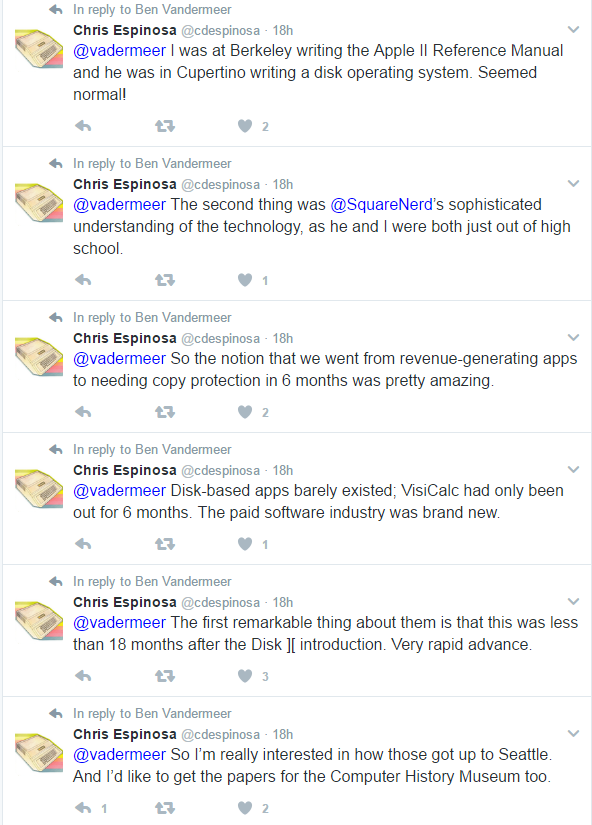 This appeared a few days back: [WayBack] http://bitsavers.trailing-edge.com/pdf/apple/ssafe/Apple_SSAFE_Project.pdf
It’s about “Software and Security from Apple Friends and Enemies” an early exchange of ideas and possibilities for DRM in the Apple ][ and Apple III era.
I got it via my bitsavers.org RSS subscription, but it has been over the net in quite a few other places as well:
- Longer articles:
- PDF scans:
I think the most important quote is from the one on reddit, submitted 20170223 by vadermeer for which I added some WayBack/Archive.is links:
[WayBack] Found Internal Apple Memos about copy protection for Apple II, SARA, LISA(self.VintageApple)
Yesterday at the Seattle Goodwill Outlet, where everything is sold by the pound, I noticed the Apple logo on letterhead sticking out from a bin of books, so I started digging. What I found were the 1979-1980 files of Jack MacDonald, manager of system software for the Apple II and /// at the time
They tell the story of project “SSAFE” or “Software Security from Apples Friends and Enemies.” This was a proposal to bring disk copy protection in-house to sell as a service to outside developers. Inter-office memos, meeting notes and progress reports all give a good idea of what a project lifecycle was like. Different schemes and levels of protection are considered, as well as implementation primarily on the Apple II+ and the upcoming SARA (The Apple ///) and Lisa computers. [WayBack] Randy Wigginton is featured prominently throughout, along with mentions of Woz and many other familiar names.
The documents were all a jumble so I’ve put them in chronological order and scanned the collection, please enjoy. [Archive.is]
The reddit thread is very nice reading as it explains how close we are now to this Level 1:
Level 1. Totally secure. Absolutely no method of stealing the software. 100% effective. Note that the ideal, level 1, is achievable only through disallowing any access of any kind to the software and the computer. Not very practical in our circumstances.
and this one from boingboing:
It’s so neatly packaged and well-documented it could be a Harvard Business Review case-study.
Edit 20240819: the above Googl links pointed to [Wayback/Archive] Apple SSAFE Project.pdf – Google Drive.
--jeroen
Posted in 6502, Apple, Apple ][, History, Power User | Leave a Comment »


 The Wiert Corner - irregular stream of stuff