Archive for the ‘Macintosh SE/30’ Category
Posted by jpluimers on 2025/12/19
With the permission of Adobe Systems Inc., the Computer History Museum is pleased to make available, for non-commercial use, the source code to the 1990 version 1.0.1 of Photoshop. All the code is here with the exception of the MacApp applications library that was licensed from Apple. There are 179 files in the zipped folder, comprising about 128,000 lines of mostly uncommented but well-structured code. By line count, about 75% of the code is in Pascal, about 15% is in 68000 assembler language, and the rest is data of various sorts.
https://computerhistory.org/blog/adobe-photoshop-source-code/
Posted in 68k, Adobe, Apple, Apple Pascal, Classic Macintosh, Development, History, Macintosh SE/30, Object Pascal, Pascal, Power User, Uncategorized | Leave a Comment »
Posted by jpluimers on 2025/11/14
The mini micro classic Apple emulators related post last week became way too big, so here is the classic Apple 2/Macintosh hardware upgrade part follow-up I announced in Some notes on mini/micro Apple //e emulators.
Last week, I mentioned [Wayback/Archive] ARC Javmaster – YouTube. Let’s continue from there for an even bigger post (:
Javmaster actually has a shop at [Wayback/Archive] Welcome to the 8-bit stuff store – 8 bit stuff cool retro computer 3D gadgets and geekery with a lot of interesting (mainly Apple ][ era related) retro things like:
Read the rest of this entry »
Posted in //e, 6502, Apple, Apple ][, Classic Macintosh, History, Macintosh SE/30, Power User, Retrocomputing | Tagged: 12, 156, 25, 3dprint, 3dprinting, 4, Apple, appleiigs, AprilApples | Leave a Comment »
Posted by jpluimers on 2025/05/30
This post covers some topics around one of the retro machines I have. They helped me form some thoughts on additions I might want to add to mine.
HDMI out on a Mac
Needs a Raspberry Pi, but looks very interesting.
256 shades of grey
Back in 2022, someone started doing an amazing thing: reverse engineering and rebuilding a 256-grey/color video card for the Macintosh SE/30 PDS (Processor Direct Slot).
A very interesting start of a long journey with the result that a few people could actually play around with it. Hopefully by now more have been produced, but be aware: this is a hobby of the designer, so unlike some other hardware: do not expect high numbers of these boards to become available.
Long thread in – for now – 14 pages of which I think below are the most important excerpts:
Read the rest of this entry »
Posted in Apple, Classic Macintosh, Macintosh SE/30, Power User | Leave a Comment »
Posted by jpluimers on 2025/04/08
Posted in Apple, Classic Macintosh, Development, Hardware Development, Hardware Interfacing, Macintosh SE/30, Power User, Raspberry Pi, Raspberry Pi Pico, Retrocomputing, RP2040, SCSI, Uncategorized | Leave a Comment »
Posted by jpluimers on 2021/09/21
A while ago, This does not compute had a few nice videos on a Mac SE/30 and it’s repair, including the recap process of replacing the electrolytic capacitors (or condensators in some other languages), and cleaning the board (some wash it with hot water and soap, others with isopropyl-alcohol, often called rubbing alcohol).
Note the simasimac can have many causes: bad capacitors in main board are the most common, but it can also be bad memory.
White lithium grease can make the floppy work again (see also [WayBack] Lithium soap – Wikipedia and [WayBack] Grease (lubricant) – Wikipedia).
He also added some links to which I added some quotes and WayBack links:
- [WayBack] Bringing a Zebra Stripe SE/30 Back to Life from simasimac
Bringing a Zebra Stripe SE/30 Back to Life, Paul Brierley, The ‘Book Beat, 2009.02.19. The Japanese call it Simasimac, the horizontal striped pattern that indicates your Mac is terminal.

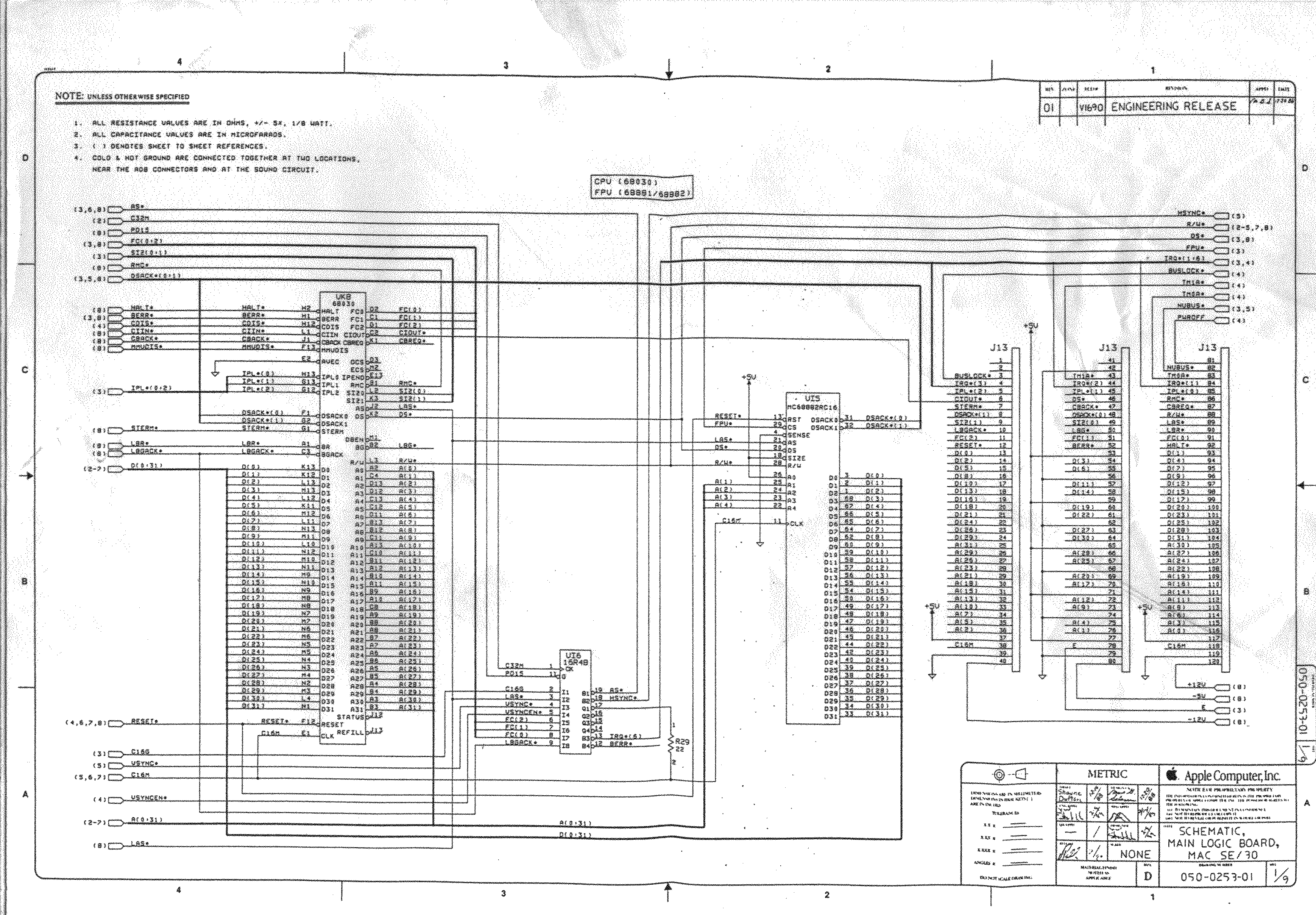
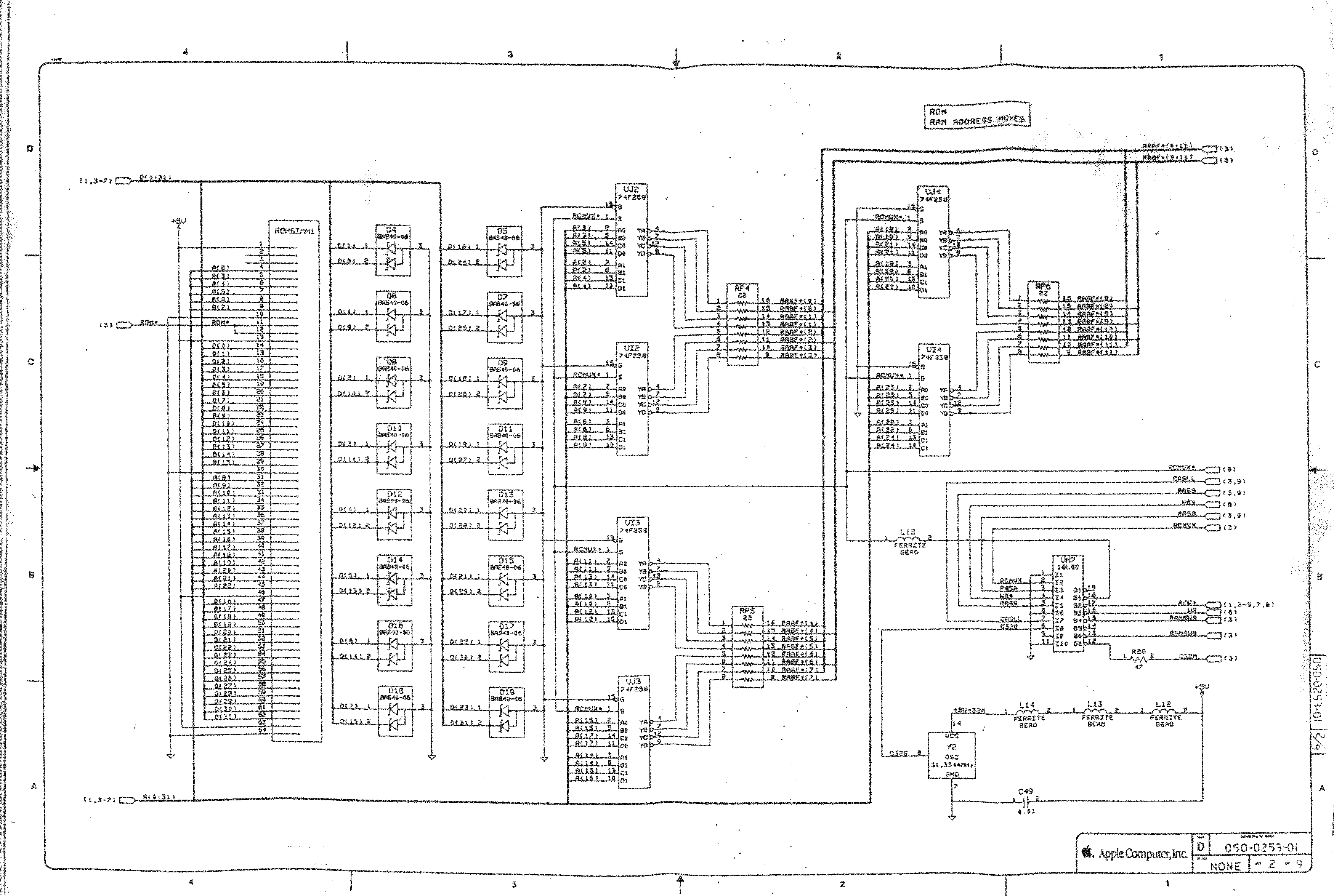
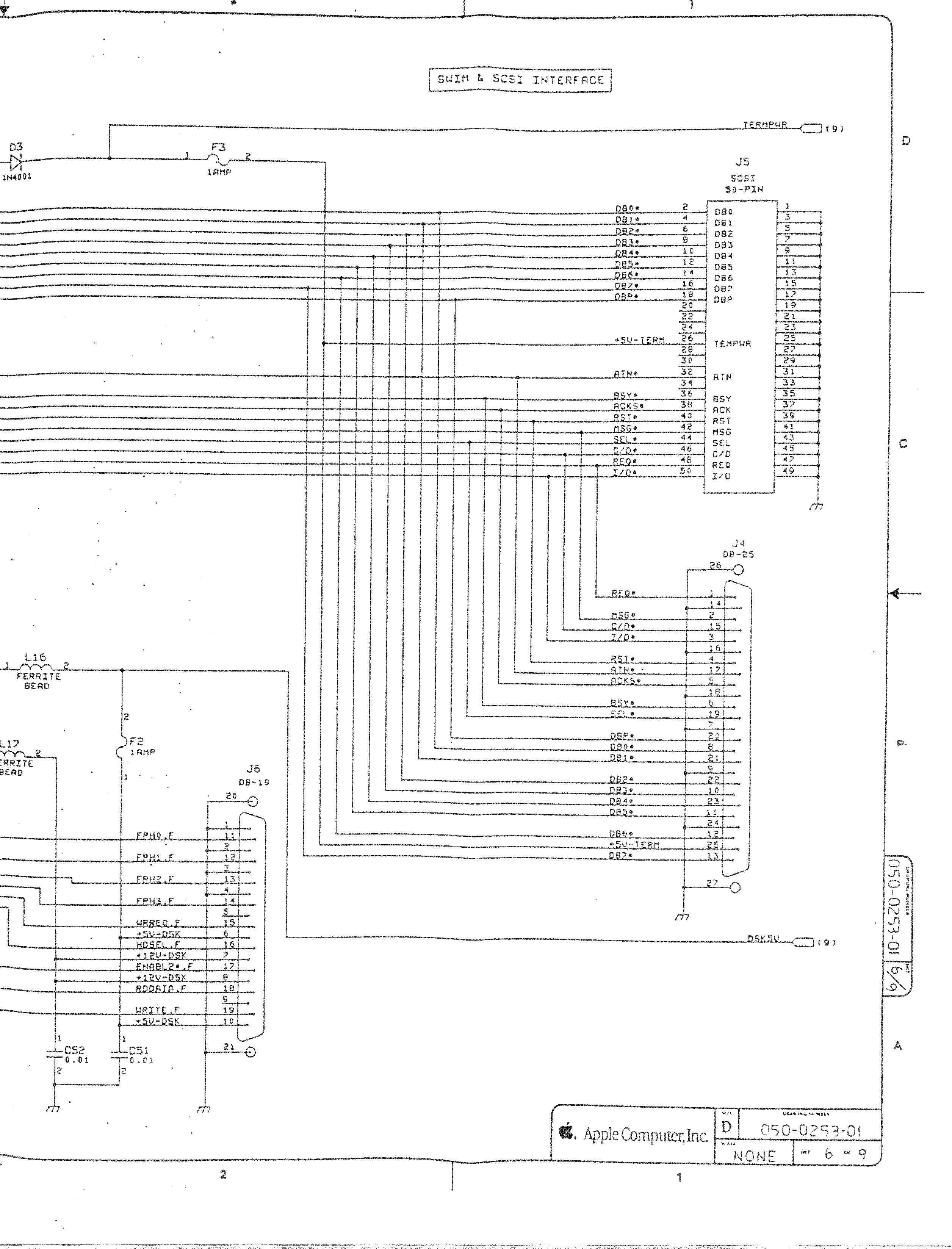
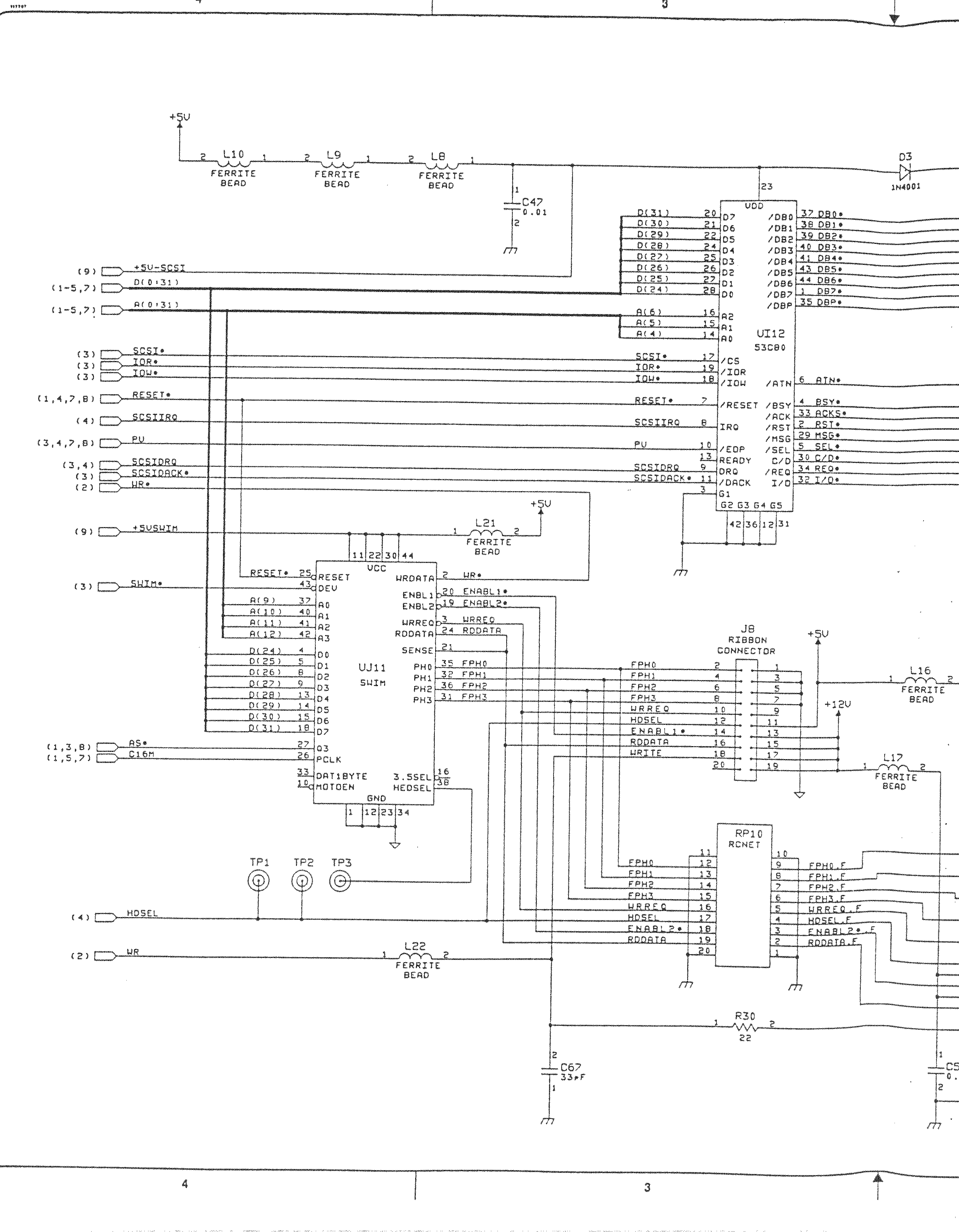
- [WayBack] Macintosh Schematics with many schematics including:
Macintosh SE/30 – IIcx (without NuBus)
- [WayBack] Page 1-> 68030, 68881/882, PDS
- [WayBack] Page 2-> ROM Simm, RAM Adr. Mux.
- [WayBack] Page 3-> GLUE Chip, RAM Simm
- [WayBack] Page 4-> VIA1, VIA2, RTC, ADB
- [WayBack] Page 5-> Video Interface
- [WayBack] Page 6-> SCSI, SWIM
- [WayBack] Page 6a-> SCSI, SWIM Page 2
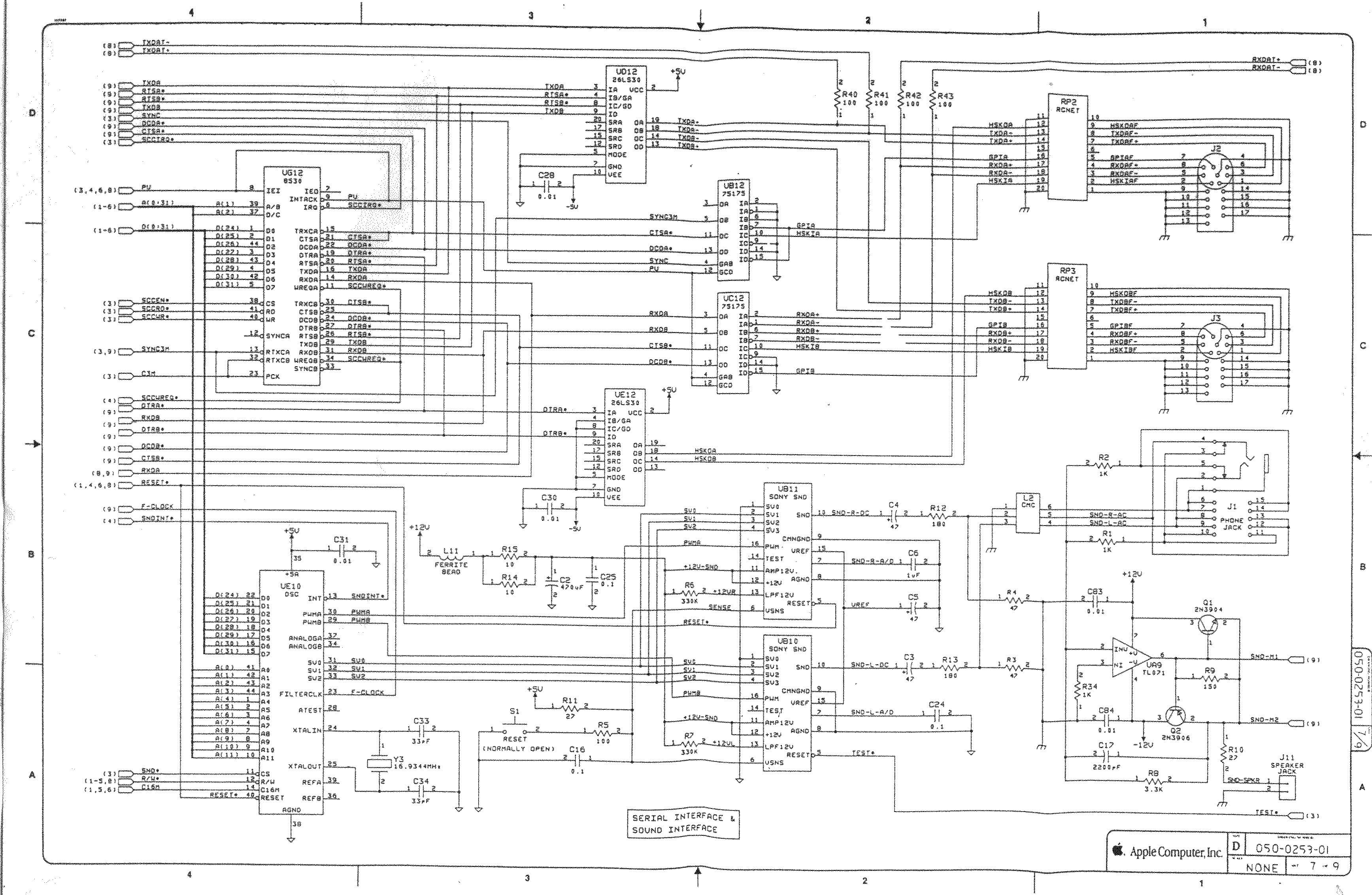
- [WayBack] Page 7-> RS422, ASC, SONY Snd
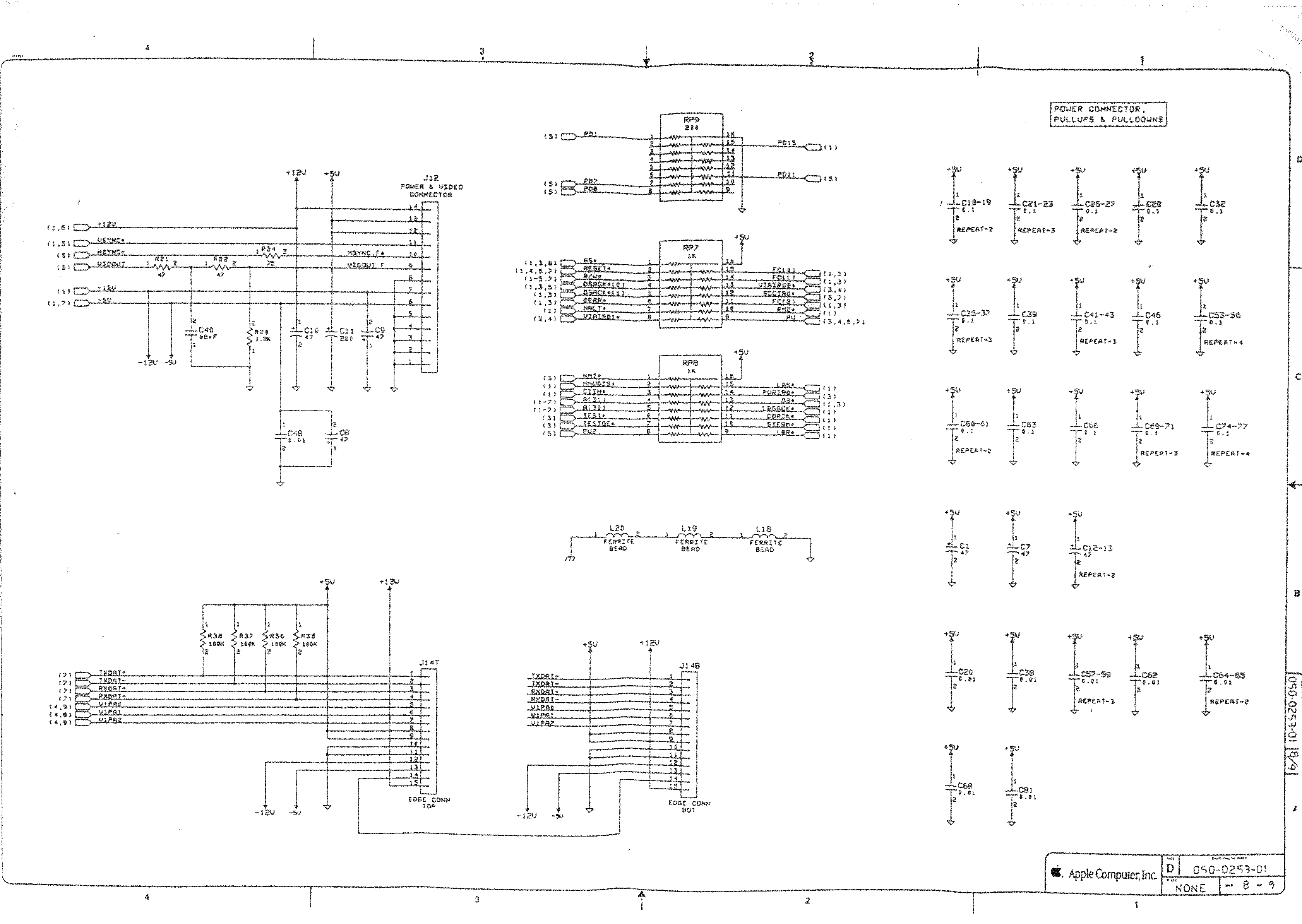
- [WayBack] Page 8-> Power Conn.,
- [WayBack] Mac SE/30 | Low End Mac
- [WayBack] Mac ROM-inator II | Big Mess o’ Wires
The Mac ROM-inator II replaces the stock Macintosh ROM SIMM with a custom flash memory module. Add a bootable ROM disk, make your system 32-bit clean, gain HD20 hard disk support, and more. The Mac ROM-inator II supports the Macintosh SE/30, IIx, IIcx, IIci, IIfx, and IIsi.
The Mac ROM-inator II is fully assembled and ready to use. Just plug it in and go.
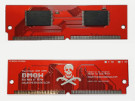 Mac ROM-inator II Atom, $42
2 MB SIMM pre-programmed with ROM Disk with System 7.1, HDSC Setup, ResEdit, and SCSI Probe. Compatible with Mac SE/30, IIx, IIcx, IIci, IIfx, IIsi. More InfoThe Mac ROM-inator II is great for breathing new life into your old SE/30 or II-series Macintosh. The ROM disk provides fast and convenient boot-ups and a collection of disk utility programs, and customized startup sounds and icons add a touch of fun. The ROM SIMM comes pre-programmed with a BMOW-made custom ROM containing the following changes:
- ROM disk provides a diskless booting option
- HD20 hard disk support built-in
- 32-bit clean – allows use of System 7.6+ and more than 8MB RAM
- Memory test is disabled for faster booting on 16MB+ systems
- Customized startup chime – major 9th arpeggio
- Happy Mac icon is replaced by a color smiling “pirate” Mac
- New startup menu screen displays installed RAM, addressing mode, and ROM disk details
The ROM-inator II is based on Doug Brown’s earlier [WayBack] Mac ROM SIMM design, used with permission.
- [WayBack] Retr0Bright (or RetroBright) treated plastics re-yellowing even with minimal light exposure?
- [WayBack] Forums – 68kMLA Forums
- [WayBack] Macintosh SE/30
The SE/30 is probably the most popular candidate for recapping. Unfortunately, it’s also one of the more difficult to revive as the leaked electrolyte easily damages traces and vias on these boards. Be sure to wash these boards very well and inspect closely for broken or rotten traces.
Capacitor List:
10 – 47µf – 16V – SMT
1 – 220µf – 16V – Axial
1 – 470µf – 16V – Axial
1 – 1µf – 50V – SMT
Click on the photo for a larger view
Notes
Desolder can be tricky, especially for surface mount. This helps:
- Add some fresh 60/40 solder to the joints with a solder gun (as modern solder is lead free, whereas past solder contained lead)
- Carefully heat up the component and surrounding area with a heat-gun
Choosing capacitors:
Soldering: always add some fresh solder on the pads before soldering surface mount (SMD) capacitors.
–jeroen
Read the rest of this entry »
Posted in 68k, Apple, Classic Macintosh, Development, Hardware Development, History, Macintosh SE/30, Power User, Soldering | Leave a Comment »
Posted by jpluimers on 2018/08/07
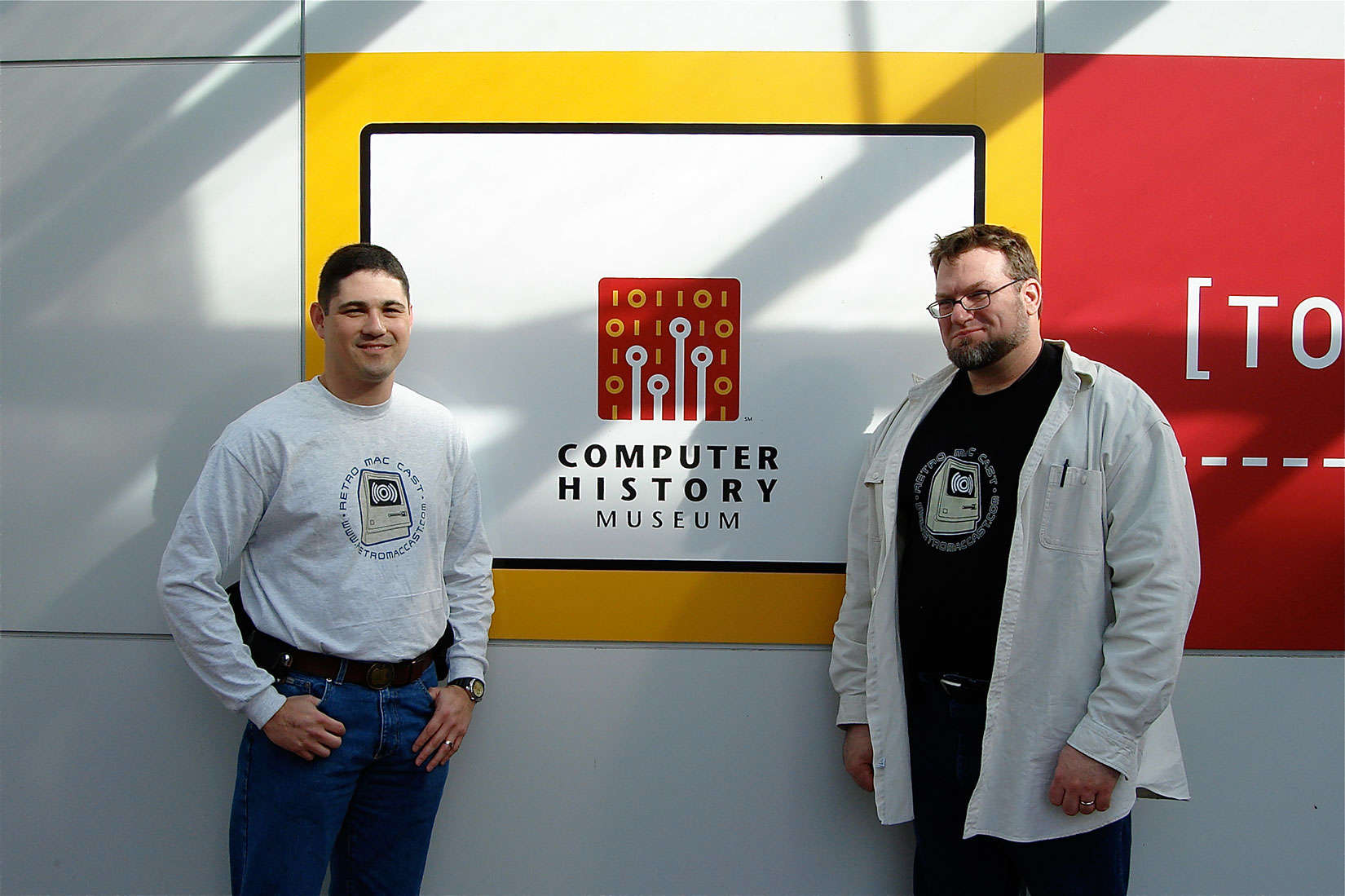 Around this time, episode 500 of RetroMacCast should be out.
It’s an “about weekly” podcast centered around classic Apple computers, mainly of the Macintosh kind but occasionally also on the Apple I, ][, //e, //c and ///, IIgs and Lisa kinds.
After all these years since they started in 2006, It’s still fun to listen to.
Occasionally they do a vodcast on YouTube, for instance their 100th show below.
New episodes are announced here:
Source: [WayBack] Two fans were podcasting at RetroMacCast before it was cool
–jeroen
Read the rest of this entry »
Posted in //e, Apple, Apple ][, Classic Macintosh, History, Macintosh SE/30, Power User | Leave a Comment »
Posted by jpluimers on 2018/07/06
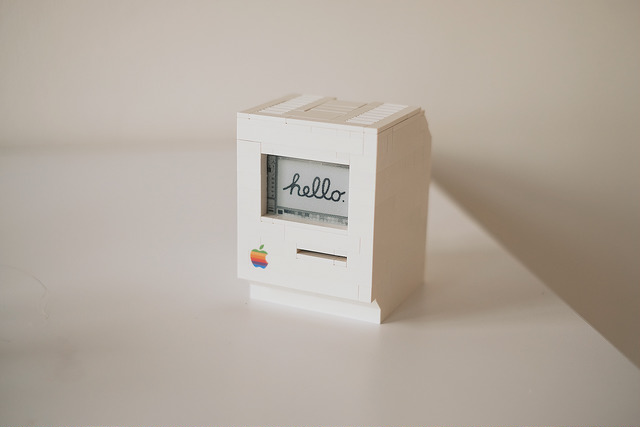 A Wi-Fi enabled 1990 Macintosh Classic built with LEGO, powered by a Raspberry Pi Zero running docker and a 2.7″ e-paper display by EmbeddedArtists.
Cool stuff!
Source: [Archive.is] LEGO Macintosh classic with Wi-Fi and e‑paper display running docker
Via: [WayBack] This guy built a (kind of) working Lego Macintosh, and now you can too … | 9to5Mac
This should run well with a Classic Color Macintosh System 7 emulated on Raspberry Pi: [WayBack] On this tutorial I show you how to run Mac II OS color on your Raspberry PI, I have also included a compiled version for Windows. Running Mac OS 7 on Raspberry Pi with Color – Novaspirit
via:
ROM images: [WayBack] Index of /pub/software/ROM/Macintosh 68K
–jeroen
Read the rest of this entry »
Posted in Apple, Classic Macintosh, Development, Hardware Development, History, Macintosh SE/30, Power User, Raspberry Pi | Leave a Comment »
Posted by jpluimers on 2018/05/21
From a while back: [WayBack] Open Apple #66 (December 2016) : Glenda “The Atom” Adams | Open Apple
This month on Open Apple, we sit down with Glenda Adams, better known on the Apple II as The Atom. She was a cracker of some note back in the 1980s, and she shares great stories with us…
It reminded me of the days I started to learn programming. Good memories. @glenda_atom was way ahead of me (:
–jeroen
Posted in //e, 6502, Apple, Apple ][, Classic Macintosh, History, Macintosh SE/30, Power User | Leave a Comment »


 [
[


 The Wiert Corner - irregular stream of stuff