If you want to inverse the work of newaliases, you can use makemap to convert them to text:
makemap -u hash access.db
This is quite handy to see if the newaliases indeed put all information into the db file (for instance if you use a script, you can verify it ran correctly).
It works for any db, but you need to be aware of the database format: hash type or btree type.
To my knowledge only one uses the btree type format:
So I needed the pdf-tools on my Mac for which many sites suggest to use brew install pdf-tools. That worked not so well:
$ brew install pdf-tools
Error: No available formula with the name "pdf-tools"
==> Searching for similarly named formulae...
This similarly named formula was found:
mupdf-tools
To install it, run:
  brew install mupdf-tools
==> Searching taps...
This formula was found in a tap:
homebrew/emacs/pdf-tools
To install it, run:
  brew install homebrew/emacs/pdf-tools
==> make server/epdfinfo
Error: No available formula with the name "homebrew/dupes/tcl-tk"
Please tap it and then try again: brew tap homebrew/dupes
==> Searching for similarly named formulae...
Error: No similarly named formulae found.
==> Searching taps...
Error: No formulae found in taps.
After doing abrew tap homebrew/dupes it finally worked.
The ESXi console top to show processes is not available *, the alternative is esxtop. But that can show garbage because the ESXi console has a very limited support of terminals **.
For instance, when connecting from a Mac OS Xterminal through ssh, this is my terminal:
setlocal
set gbakExe=C:\Program Files (x86)\Firebird\Firebird_2_5\bin\gbak.exe
set dbPart=MyDatabase
set dbSource=192.168.199.24:C:\Path with spaces\%dbPart%.fdb
set dbUser=sysdba
set dbPassword=masterkey
"%gbakExe%" -verify -transportable -user %dbUser% -password %dbPassword% "%dbSource%" %dbPart%.fbk
endlocal
You need the quotes around %gbakExe% and %dbSource% to ensure spaces in paths are preserved.
This file contains hidden or bidirectional Unicode text that may be interpreted or compiled differently than what appears below. To review, open the file in an editor that reveals hidden Unicode characters. Learn more about bidirectional Unicode characters
This file contains hidden or bidirectional Unicode text that may be interpreted or compiled differently than what appears below. To review, open the file in an editor that reveals hidden Unicode characters. Learn more about bidirectional Unicode characters
This file contains hidden or bidirectional Unicode text that may be interpreted or compiled differently than what appears below. To review, open the file in an editor that reveals hidden Unicode characters. Learn more about bidirectional Unicode characters
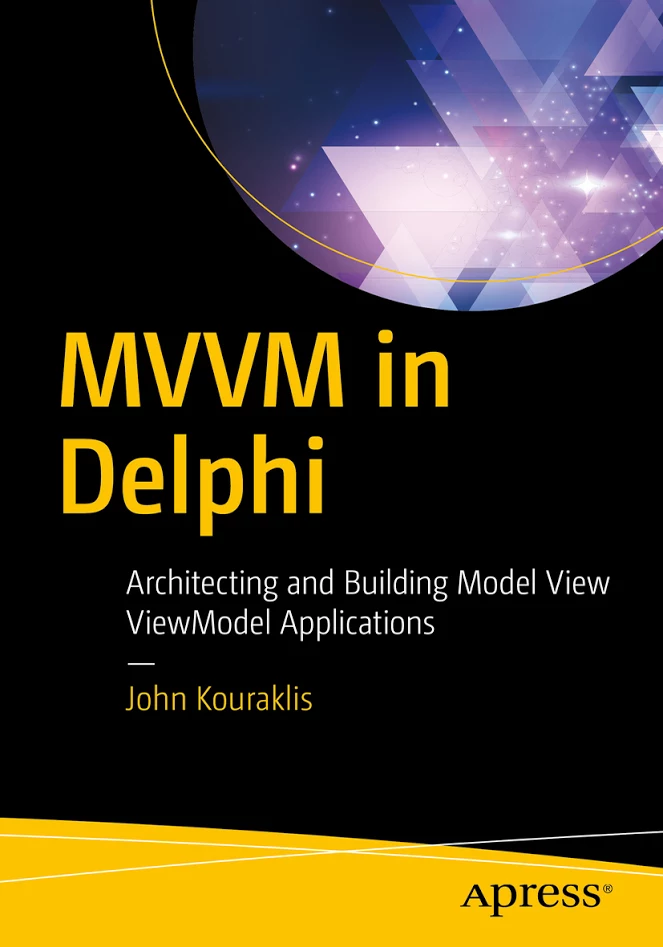
Nick Hodges did the technical review, and since Nick’s book are great I have high hopes (:
From the APress site:
Full Description
Dive into the world of MVVM, learn how to build modern Windows applications, and prepare for cross-platform development. This book introduces you to the right mindset and demonstrates suitable methodologies that allow for quick understanding of the MVVM paradigm. MVVM in Delphi shows you how to use a quick and efficient MVVM framework that allows for scalability, is of manageable complexity, and provides strong efficiency.
One of the biggest challenges developers face is how to convert legacy and monolithic Delphi applications to the MVVM architecture. This book takes you on a step-by-step journey and teaches you how to adapt an application to fit into the MVVM design.
What you’ll learn
Gain the fundamentals of MVVM
Visualize MVVM as a design philosophy
Create easy-to-use frameworks for building your own MVVM applications
Develop a methodology for converting legacy applications to the MVVM pattern
Architect cross-platform and multi-lingual applications using the MVVM pattern
Who this book is for
Delphi developers with a good knowledge of Delphi or programming experience in a different language. In addition, this book is attractive to Delphi developers who want to modernize existing applications based on the MVVM design.
and
Table of Contents
1. MVVM as Design Pattern
2. Setting Up the POSApp
3. MVVM as Design Philosophy
4. Two-way Communication
5. MVVM and Delphi
6. Planning the Application
7. Developing the Application
8. How to Convert your App to MVVM
A. Appendix: Other MVVM Delphi frameworks
Be careful with setting the timeout of sendmail to zero when trying to flush the mail queue:
sendmail -OTimeout.hoststatus=0m -q -v
Reason: a lot of target systems do rate-limiting if you retry too much in too short time, for instance gmail does that:
421-4.7.0 [###.###.###.### 15] Our system has detected an unusual rate of

421-4.7.0 unsolicited mail originating from your IP address. To protect our

421-4.7.0 users from spam, mail sent from your IP address has been temporarily

421-4.7.0 rate limited. Please visit

421-4.7.0 https://support.google.com/mail/answer/81126 to review our Bulk Email

421 4.7.0 Senders Guidelines. w1si28749381wju.16 - gsmtp
It reminds me of a 1990s prank I once put in central consts unit of a Turbo Pascal project somewhere way beyond the right margin in a search directory outside of version control:




 The Wiert Corner - irregular stream of stuff