


Hopefully the next few years will finally show what the incremental software development and evolutionary management has been trying to advocate since the late 1950s and 1970s: hierarchies do not work and purpose works better for the vast majority than being in a triangle.
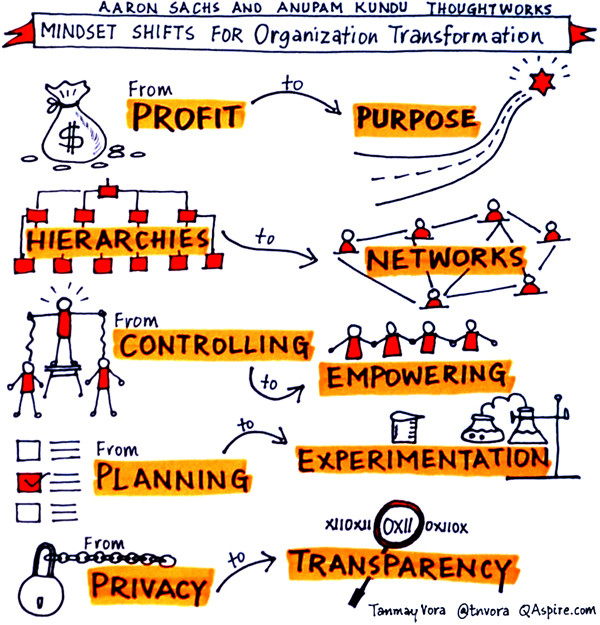
The first slide below is from Thoughtworks who has been doing these changes for several decades now.
Traditional hierarchies are giving way to more open and creative workplace cultures.
[WayBack] Is the era of management over? | World Economic Forum
That’s the only way to cope with complexity as talent dilutes in growing organisations.

Via:
- [WayBack] Helga van Leur ☀ on Twitter: “Er zijn interessante verschuivingen gaande… https://t.co/QdVM3WDIyo”
- [WayBack] World Economic Forum on Twitter: Is the age of management over? https://t.co/rIOKtgL9vJ https://t.co/YFtpqFGh7o
–jeroen


 The Wiert Corner - irregular stream of stuff